M A E D A Mini-Crawler Crane Section 4 – BATTERY HANDLING
9/2020 MC285CB-3 4-87
Battery Charging
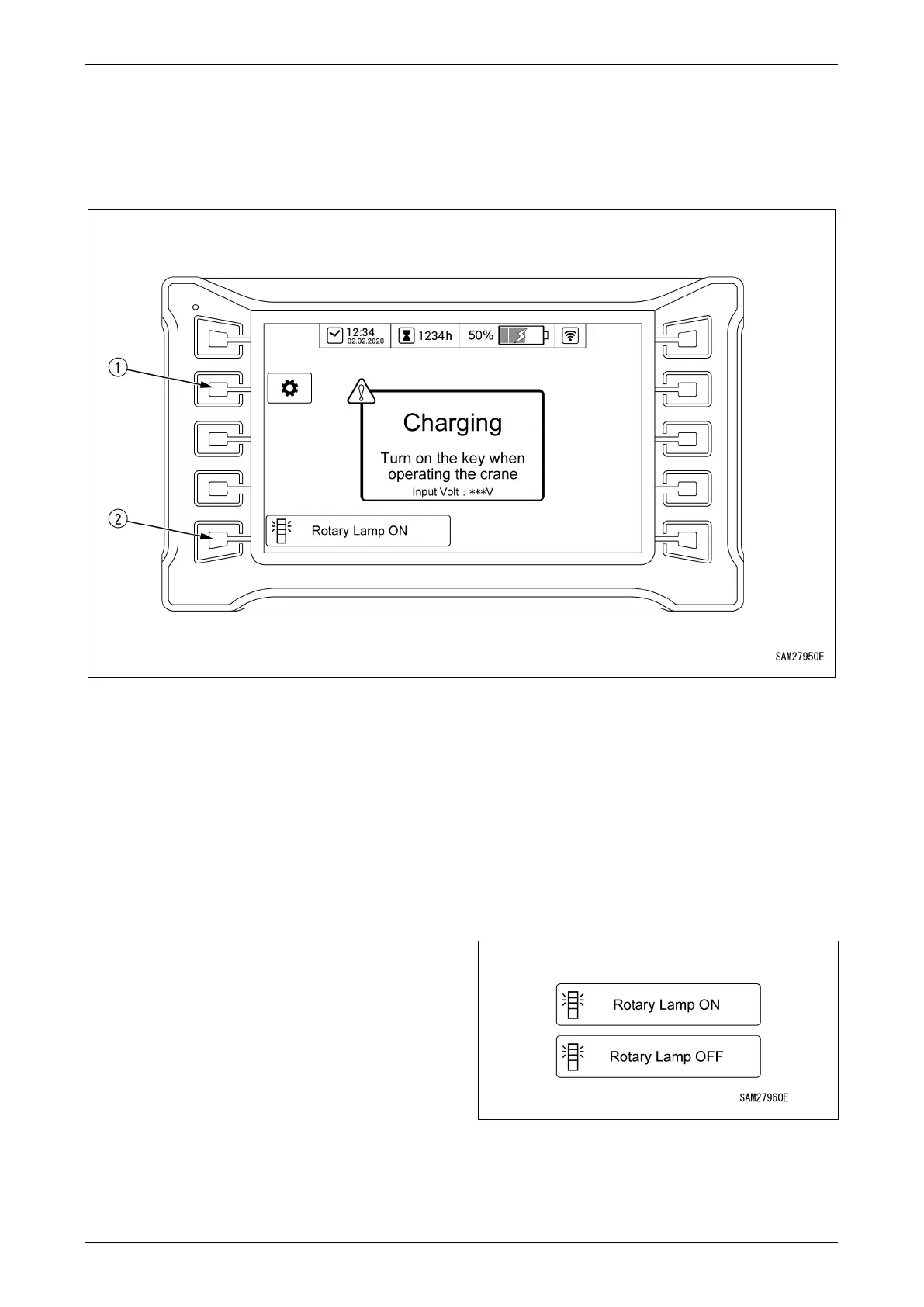
Monitor Display When Charging
The monitor will appear as follows if you attempt to charge the battery with the starter switch in the “OFF”
position:
Fig. 4-210
1 - User Mode Switch
2 - Rotary Lamp ON/OFF Selection
User Mode Switch
Used for user settings.
Press the switch to switch to user mode.
For more information on user mode, see “User
Mode” on page 4-17.
Rotary Lamp ON/OFF Selection
Allows the flashing working status lamp to be
switched on or off while the battery is being
charged.
ON: The working status lamp flashes.
OFF: The working status lamp stays off.
Fig. 4-211



 To Next Page