M A E D A Mini-Crawler Crane Section 4 – MOMENT LIMITER (OVERLOAD DETECTOR)
9/2020 MC285CB-3 4-81
Moment Limiter Working Envelope
Setting
WARNING! The following safety messages
address a potential Tip Hazard when using the
moment limiter working envelope:
• Always set the working envelope a safe
distance from obstacles. Verify the boom
will stop at the set position of the working
envelope before operating the crane.
• Always operate the crane at a low motor
speed. Do not operate the motor at any
speed other than low. Operating at any
motor speed other than low may cause the
boom to travel beyond the set position of the
working envelope.
If the boom working envelope is limited due to a
restricted working space, the boom working
envelope can be set to a desired value.
NOTICE: The display colours corresponding to
the various limit states are as follows:
• Blue: No limit setting
• Yellow: Limit setting conditions currently
selected
(Reverts to blue or orange if no operation is
performed within five seconds.)
• Orange: Limit set
Setting or Cancelling the Upper Limit
Value of Lifting Height
While the lifting height limit is imposed by
detecting the boom tip height, the monitor displays
the maximum height when the hook is hoisted up
to the over winding detected position.
When the boom is in the prediction zone or upper
limit stop position in a condition in which the hook
height is set, the monitor display flashes in
orange.
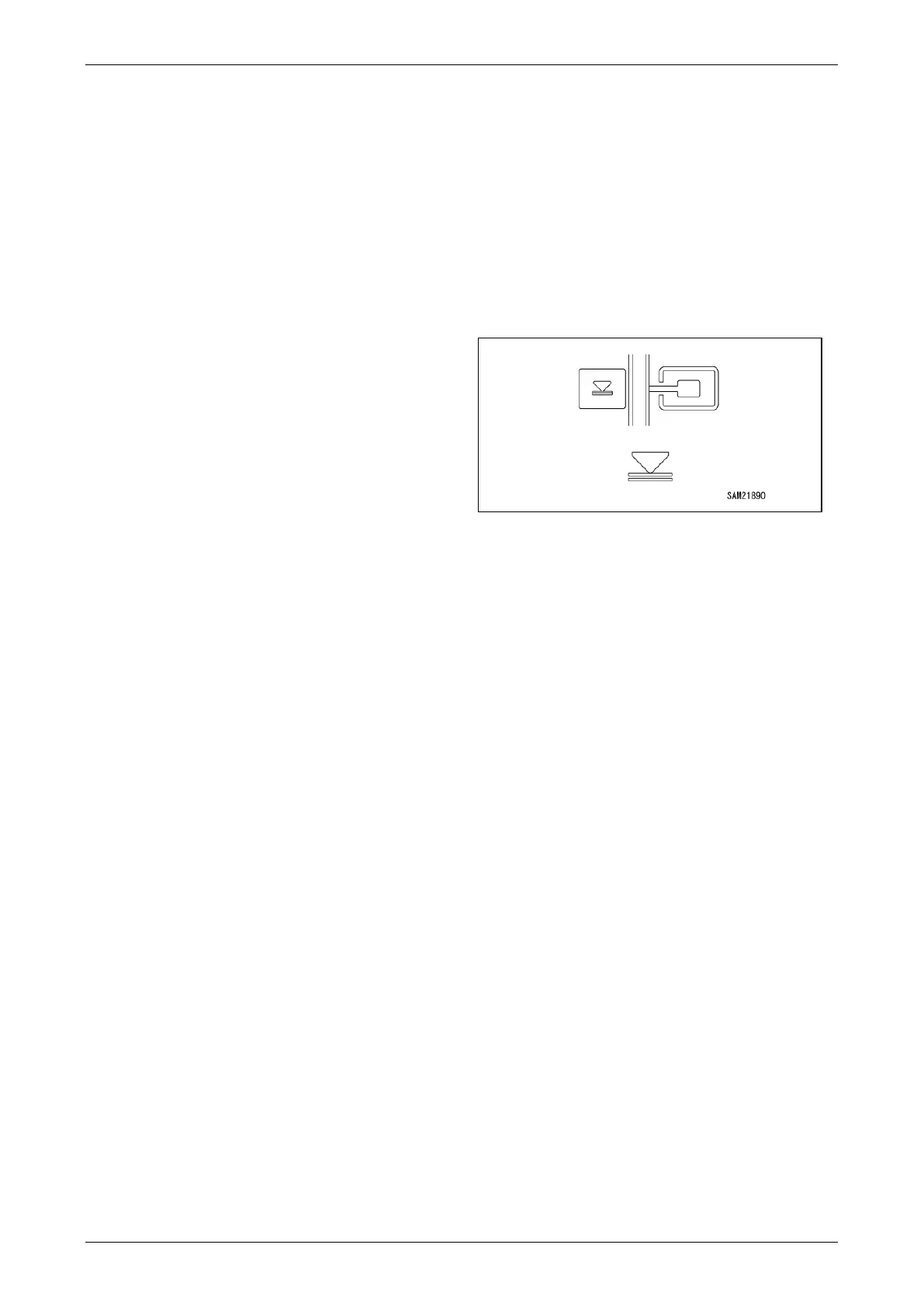
Fig. 4-204
Setup
Set the boom to the desired maximum height in a
condition in which no upper limit value is set, and
press and hold the switch.
The monitor display changes to the orange colour
and the maximum height is set as the upper limit
value.
NOTICE:
• Be sure to check, before actual work, that the
boom automatically stops at the set hook height.
If the boom does not automatically stop, reset
the hook height in the above steps.
• An alarm sounds intermittently if the boom is
raised or extended in the prediction alarm zone.
An alarm sounds continuously if the boom is
raised or extended in the upper limit stop
position.
• The set value is memorised when the starter
switch is turned to the “OFF” position.
Cancel
Press and hold the switch in a condition in which
the upper limit value is set. The monitor display
changes to the blue colour and the upper limit
value setting is cancelled.



 To Next Page