Installation and User Manual
41
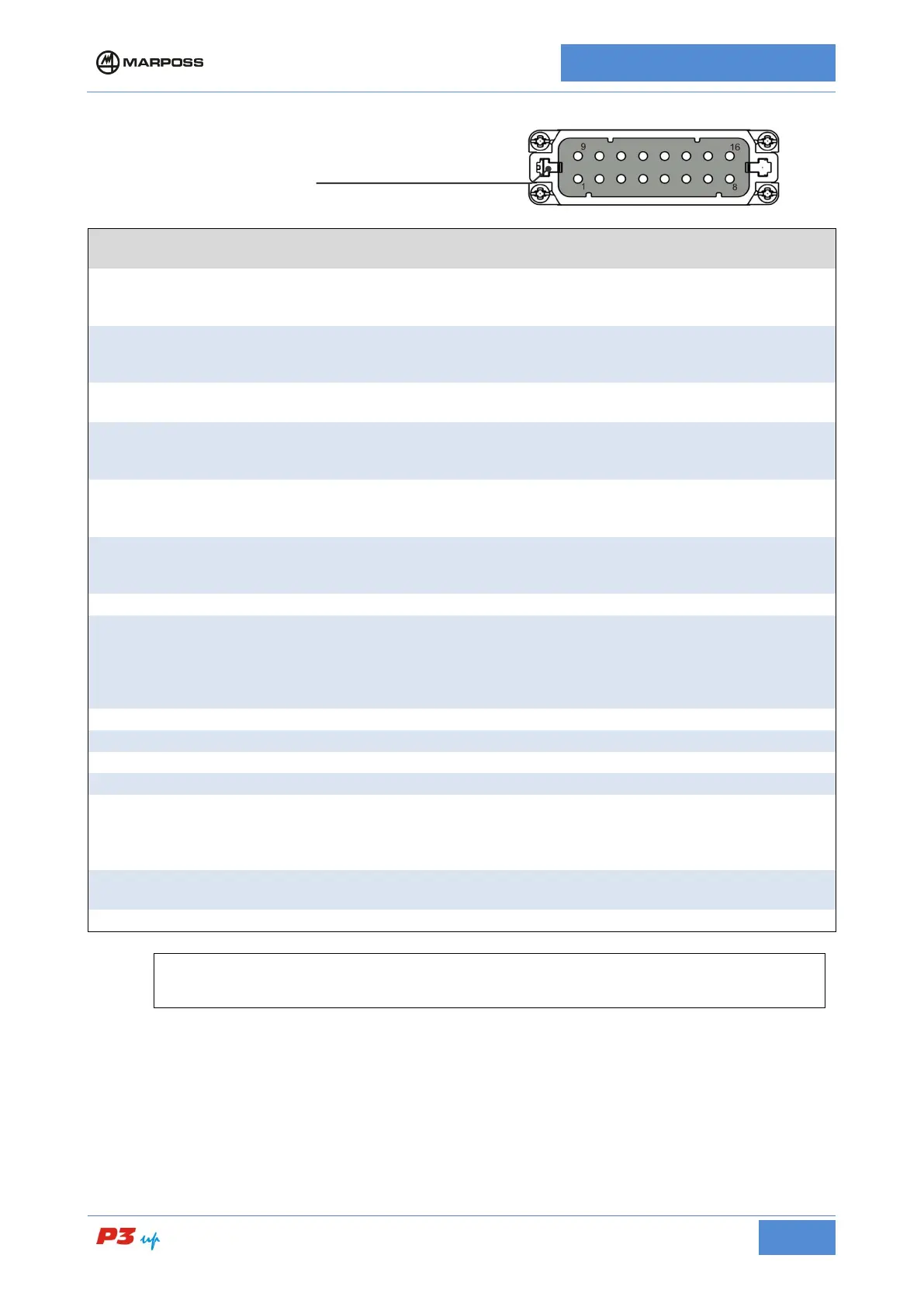
I/O signal connections
TERMINAL
SIGNAL I/O DESCRIPTION
16
INPUT COMMON
In
The input circuits drive voltage supply must
this terminal (inputs common) and each individual terminal in use
(via a micro-switch or similar device).
15
-START CYCLE
In
The Start Cycle signal is connected to this terminal Remove the
power supply to this terminal to enable measur
ement system
during working cycle.
14
MEMORY
In
The update memory signal is connected to this terminal; it is used
when there is an analogue memory card installed on the system.
13
HEAD
RETRACTION
In
The retraction signal is connected to this terminal; it is used when
the measurement heads retraction circuit is installed. Connect the
power supply to this terminal to retract the measurement heads.
11
PULSE FEEDBACK
+
In
The positive correction signal (pulse feedback +) is connected to
this terminal If included it can be used to supply the correction
value via an input signal.
10
PULSE FEEDBACK
-
In
The negative correction signal (pulse feedback -
this terminal If included it can be used to supply the correction
value via an input signal.
9
OUTPUTS
COMMON
Out
The output signals can be monitored by connecting the external
loads (relays or other compatible input devices) between one pole
of the power supply and each individual terminal in use. The other
pole of
the power supply must be connected to this terminal
(outputs common).
The zero command (C0) signal is connected to this terminal.
The first command (C1) signal is connected to this terminal.
The second command (C2) signal is connected to this terminal.
The second command (C3) signal is connected to this terminal.
5 / 7
C4
Out
The fourth command (C4) signal is connected to this terminal; the
output may be connected to terminal 5 or terminal 7, depending on
the version; also, the fourth command may be replaced by other
6
OVR FEEDBACK
Out
The maximum correction value reached signal is connected to this
The automatic signal is connected to this terminal.
For a list the functions present on your model, consult the I/O list supplied with the unit.
Some pins may not be present, depending on the specific model.



 To Next Page