Installation and User Manual
76
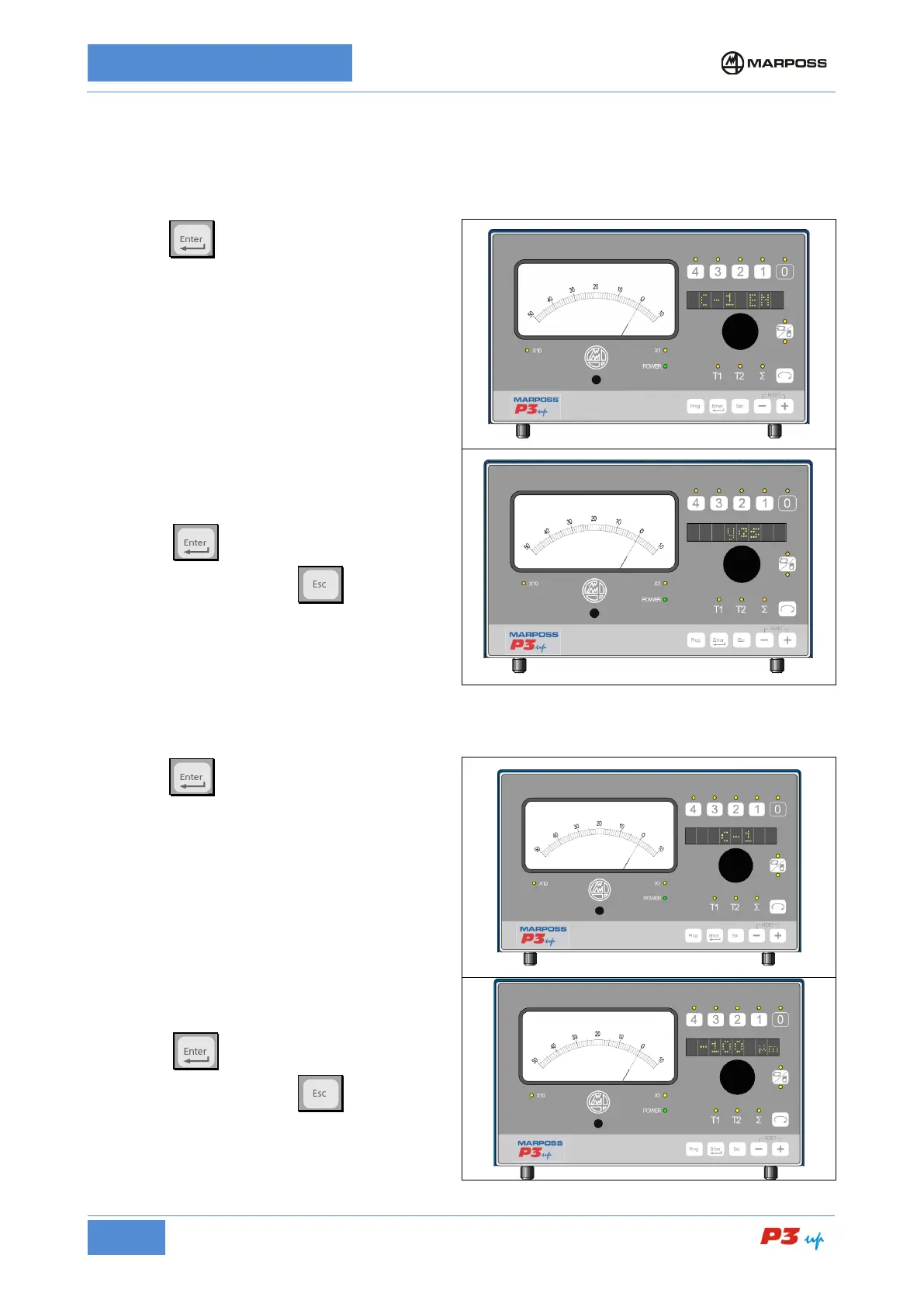
7.3.2.3 C-1 EN
This parameter can be used to enable the use of the below zero control, if available in the factory
configuration.
1. Press
to enable/disable the C - 1 EN;
2. Rotate the knob to enable or disable the
below zero control:
• Yes = enabled;
• No = disabled.
3. Press
to confirm and return to the
programming menu; or
the programming menu without confirming.
7.3.2.3.1 C-1
This parameter defines the below zero command value (this option is only displayed if C-1 EN is enabled.
1. Press
to set-up the C-1 value.
2. Rotate the knob to set-up the value in µm;
the value may vary between + 0
the instrument full scale negative reading;
3. Press
to confirm and return to the
programming menu; or
the programming menu without confirming.



 To Next Page