Installation and User Manual
85
7.3.3
Setting up the programming parameters (P3UP with memory)
In the case of the P3UP version with memory, in addition to the parameters described for the P3UP In-
Process version, it is necessary to set-up a series of additional values.
The programming parameters are active immediately on the memory, which means that it is possible to
evaluate the way they affect the measurement during the programming phase.
Access the programming menu as described in para. 7.2.1 and select the parameters that are indicated,
depending on the type of memory installed on the P3UP.
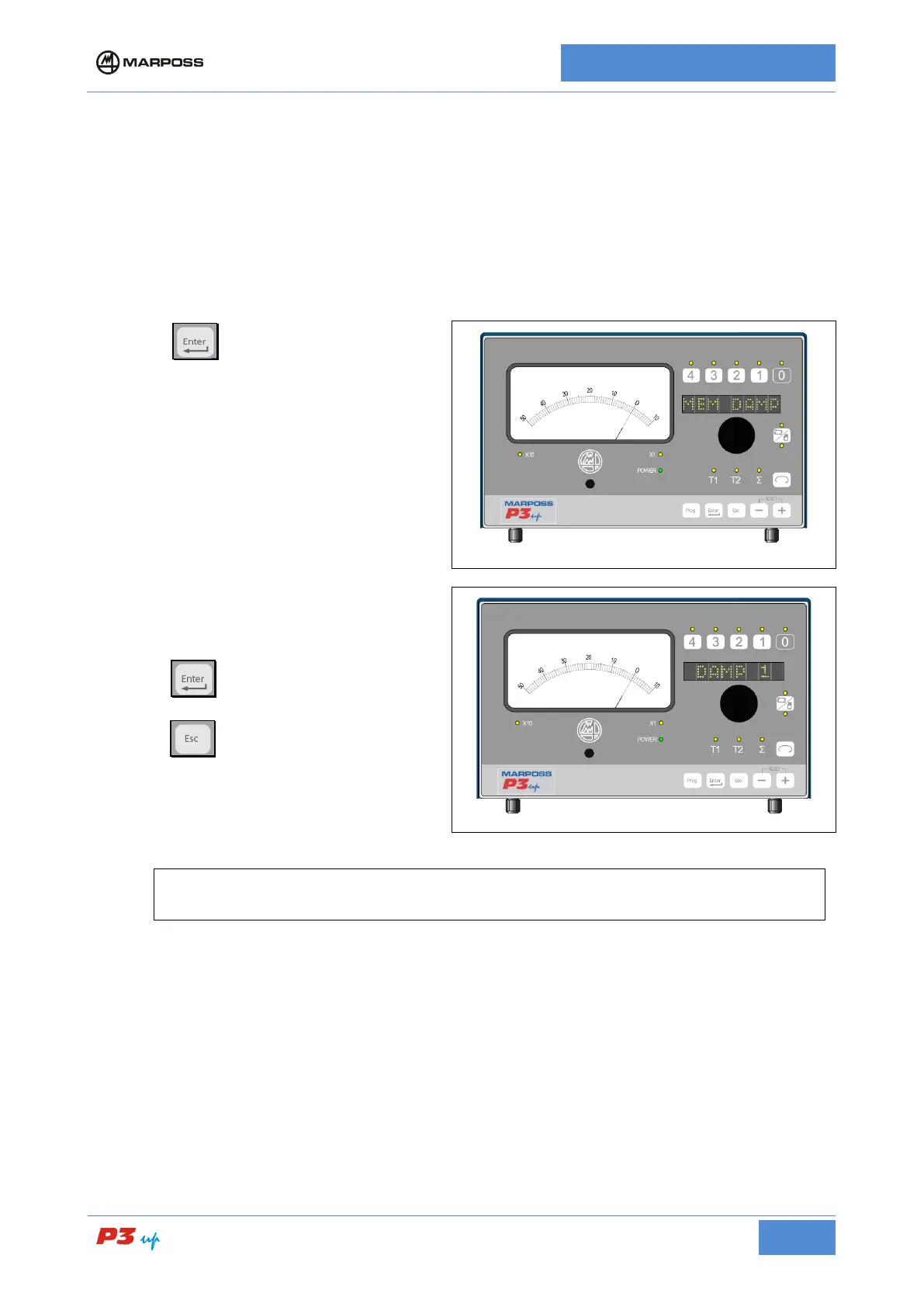
7.3.3.1 Damping Memory
1. Press
programming phase;
2. Rotate the knob in order to select one of the
three DAMP values so as to obtain a stable
In-Process measurement
signal damping value increases from 1 to 3).
3. Press
to confirm and return to the
programming menu;
4. Press
to return to the programming
menu without confirming;
N.B.
It is possible to disable the memory by setting “MEM DAMP = no".



 To Next Page