Installation and User Manual
71
7.2.6.8 Dynamic signal processing (DYN LED)
If the P3UP is supplied with the memory for planes or stock removal estimate, select the static or dynamic
operating mode (led DYN On/Off).
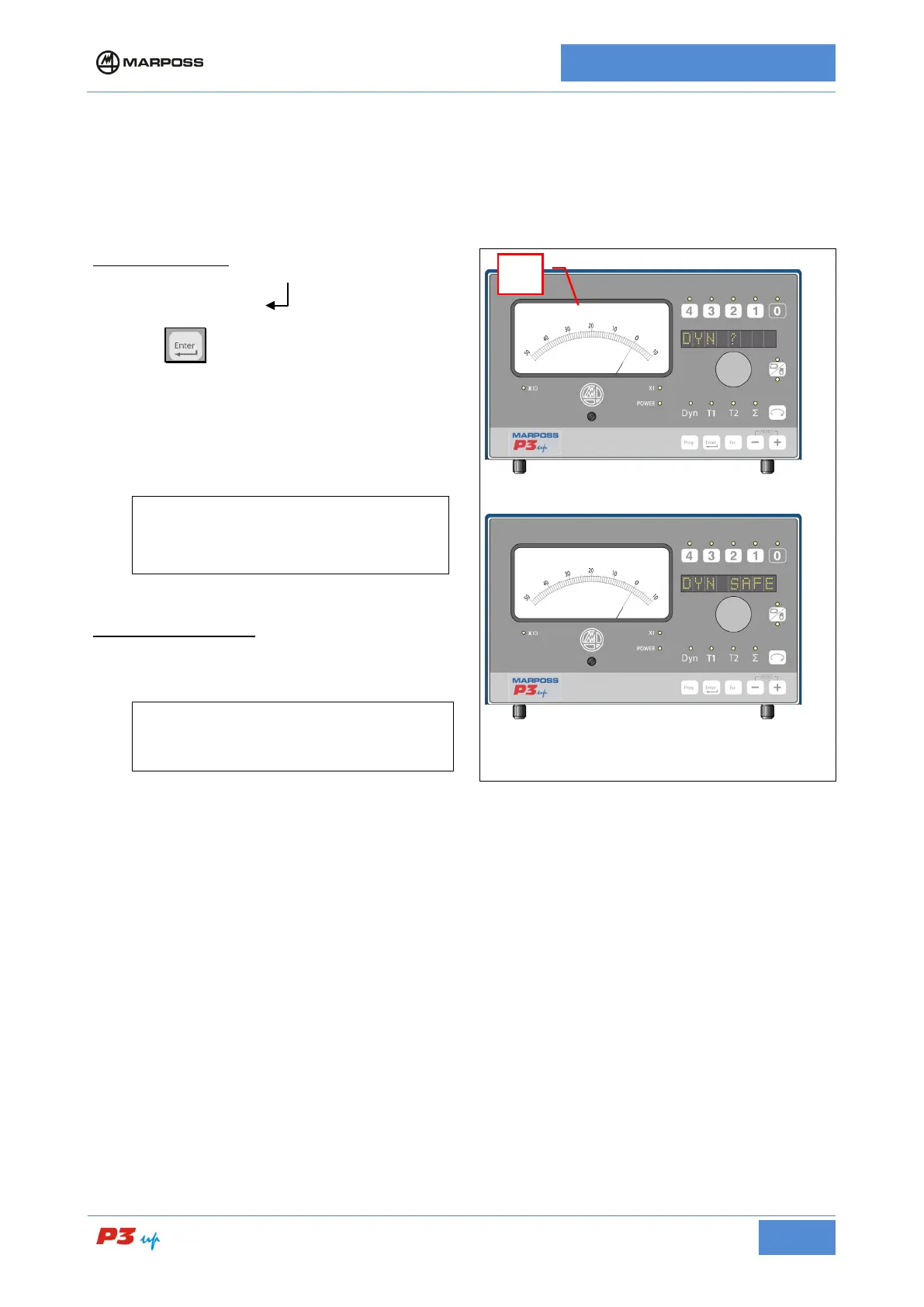
1. Press the knob and rotate until the
message "DYN ?
< >” appears on
the display.
2. press
3. Select “Yes” to activate the dynamic
mode.
[
N.B.
Attempting to switch to automatic mode
without enabling the memor
P3UP to display DYN SAFE.
IN AUTOMATIC MODE
Once AUTOMATIC MODE has been activated
it is not possible to disable the dynamic mode.
[
N.B.
dynamic mode may be disabled also in
AUTOMATIC MODE only upon request.



 To Next Page