Installation and User Manual
72
7.3
P3UP in Set-up
When P3UP is in MANUAL MODE, it is possible to access the complete PROGRAMMING menu. This menu
may also be accessed when P3UP is in AUTOMATIC MODE, however only a limited number of parameters
are displayed in this case.
[
N.B.
If the P3UP is in MANUAL MODE and Set-up, the P3UP input signals from the machine logic
must not be activated since they are ignored by the gauge.
[
During the programming phase, press both the + and – buttons to restore the parameter to the
default value.
Pressing causes the P3UP to ignore any modifications to the parameter, displaying the
old value momentarily in order to remind the operator on the entity.
7.3.1
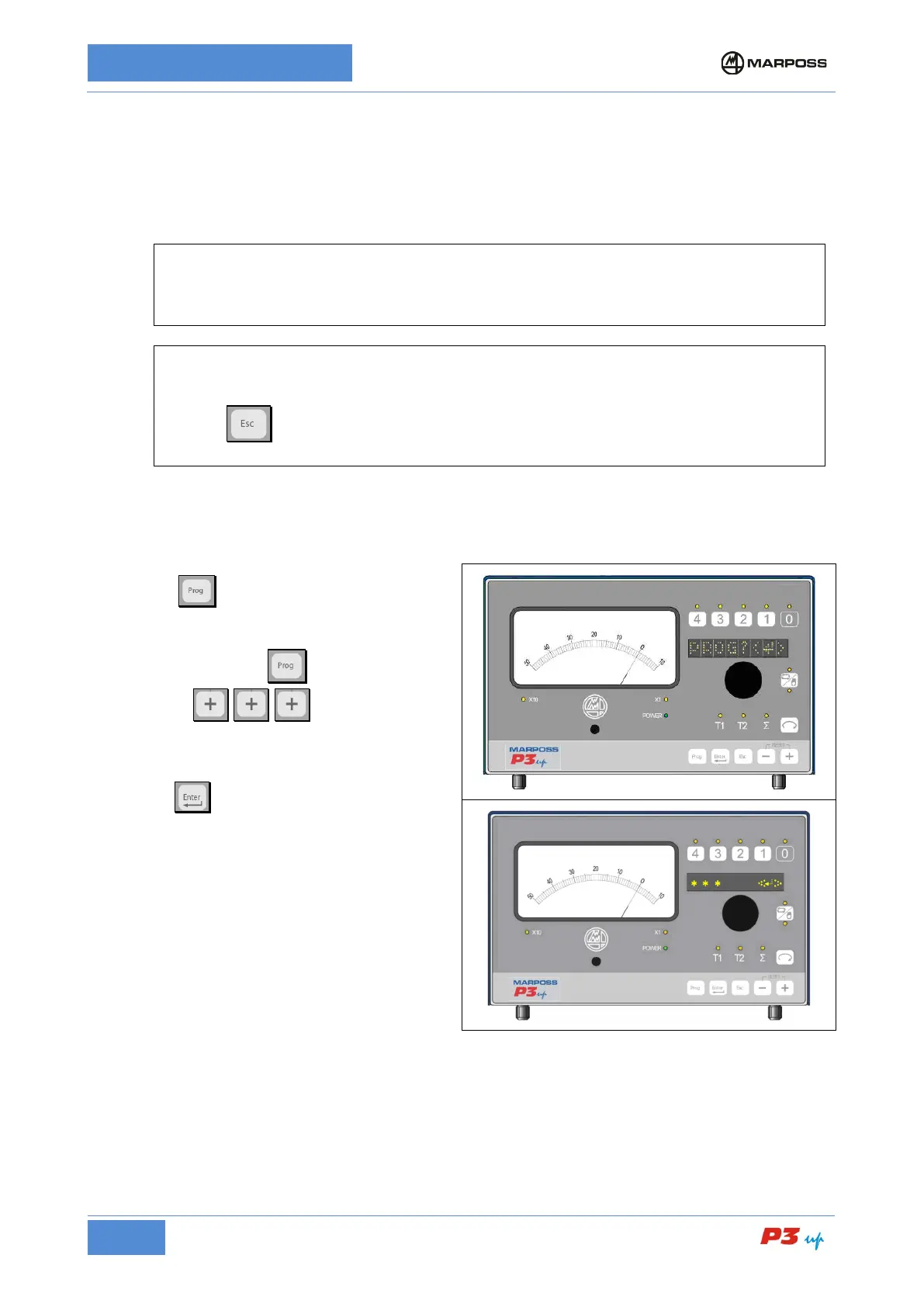
Accessing the Programming menu (PROG)
1. Press
to enter PROGRAMMING
mode;
2. Press and hold the button, enter the
password
;
3. Press
to access the programming
menu;
4. Rotate the knob to scroll through the menu.



 To Next Page