Installation and User Manual
93
8.
DIAGNOSTICS AND MAINTENANCE
8.1
Alarms and warnings
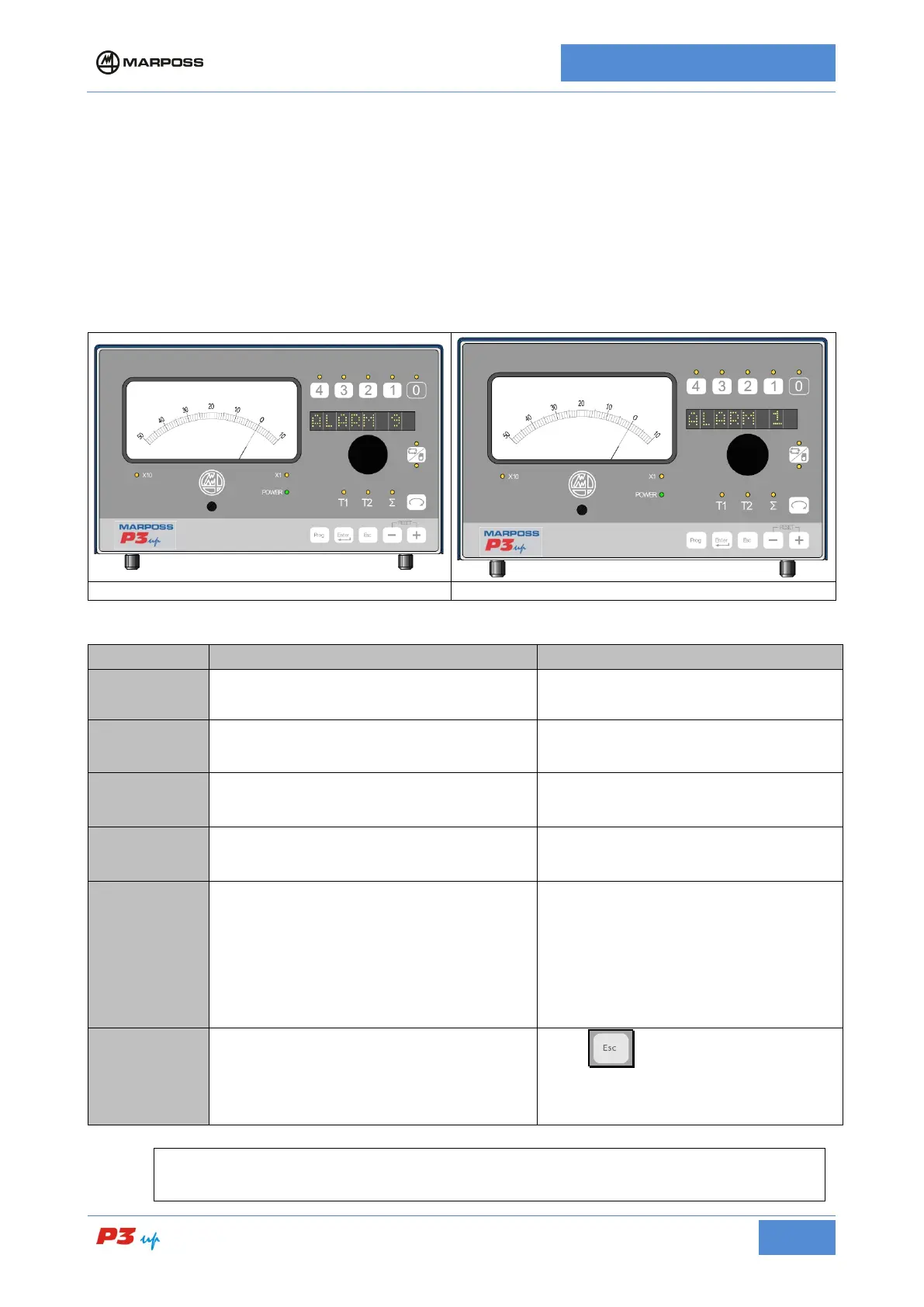
Each alarm string appears on the alphanumerical display is two successive lines that can be viewed in
sequence by rotating the knob. If the is more than one alarm condition active a right arrow appears next to
the string. Rotate the knob in order to view all the alarm strings. The alarm condition is also indicated:
• on the panel: The POWER LED turns red
• on the I/O: The ALARM pin is active (if present)
ALARM 1
1 T1
Transducer T1 not connected
Check the measurement head connection.
ALARM 2
2 T2
Transducer T2 not connected
Check the measurement head connection.
ALARM 5
5 REFPWR
Hardware problem on the P3UP electronic
cards.
Check the P3UP power supply; if it is
within limits contact Marposs service
personnel.
ALARM 6
6 HDPWR
Hardware problem on the electronic cards
connected to the measurement heads
installed on the P3UP.
Check the P3UP power supply; if it is
within limits contact Marposs service
personnel.
ALARM 7
7 IO FLT
• I/O TYPE A overload or short circuit
on the 24 V d.c. current limited output
(if present).
•
I/O TYPE C fault on machine input
circuits (may not be present on some
special versions).
•
The alarm does not occur with other
types of I/O.
• I/O TYPE A check the load on the
current limited output. If the alarm
condition persists, contact Marposs
service personnel.
• I/O TYPE C Switch the unit off then
on again. If the alarm condition
persists, contact Marposs service
personnel.
ALARM 10
10 MEMKO
The Exar or Thruvar Continuous Curve
memories do not work correctly.
Press . If the alarm indication is still
present, switch the unit off and on again. If
the alarm is still present, call for Marposs
service.
N.B.
Alarms 1 and 2 are not active with Air Gap heads



 To Next Page