Installation and User Manual
86
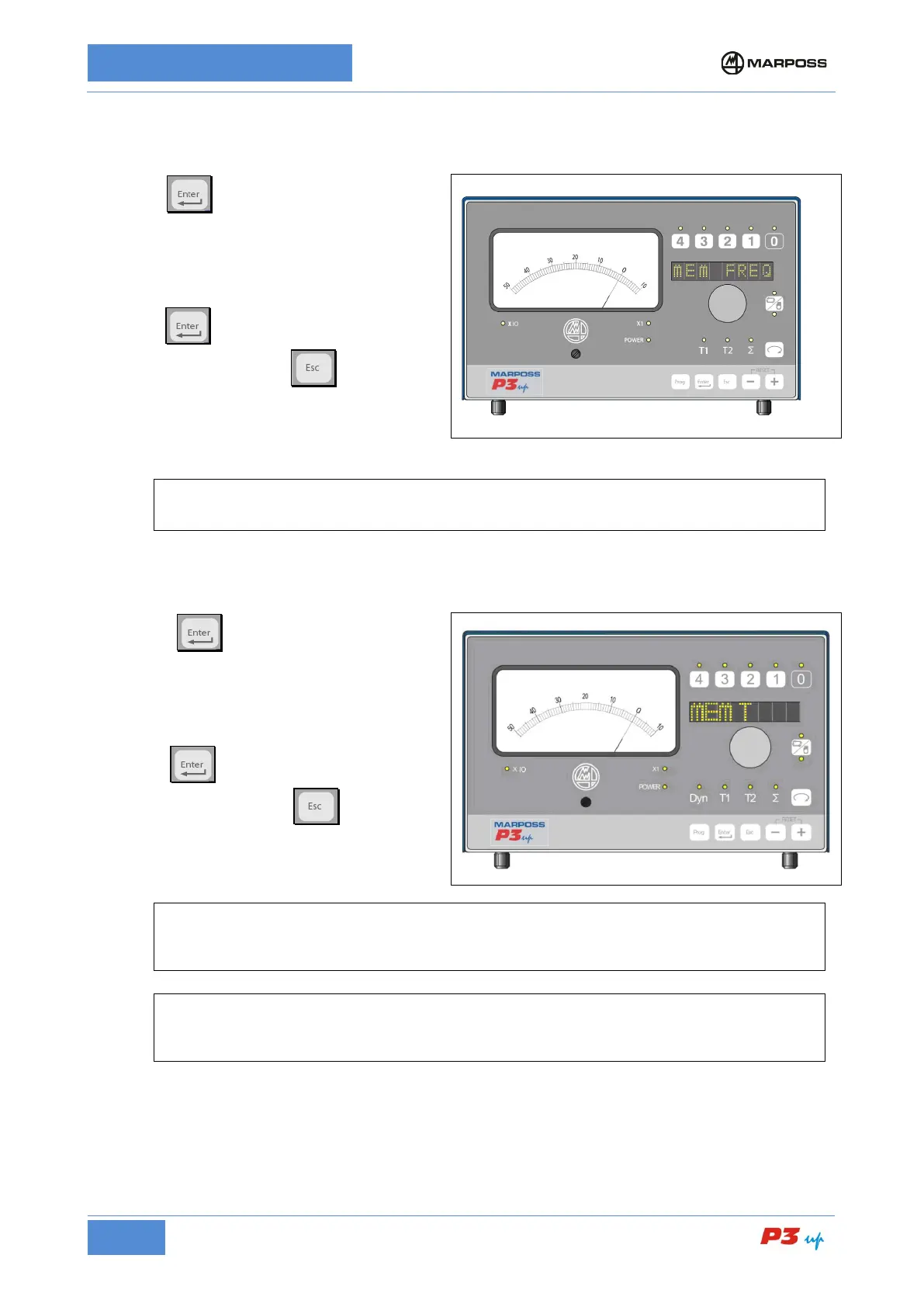
7.3.3.2 Continuous sampling memory
1. Press
to access the MEM FREQ.
programming phase;
2. Rotate the knob to select the measurement
sampling frequency between 80 and 1000 Hz
so as to obtain a stable In-Process
measurement when the part is rotating.
3. Press
to confirm and return to the
programming menu; or
to return to
the programming menu without confirming.
N.B.
It is not possible to disable the memory. For more details see paragraph 7.2.6
7.3.3.3 Memory for planes
1. Press
to access the MEM T.
programming phase;
2. Rotate the knob to set the MEM T
measurement acquisition time to less than
or equal to the length of time the
measurement head remains on the part.
3. Press
to confirm and return to the
programming menu; or
to return to
the programming menu without confirming.
[
N.B.
If the P3UP has been programmed by Marposs to allow the memory to be operated by an
external synchronisation signal, the MEM T field does not appear in the programming menu.
[
N.B.
In manual mode it is possible to disable the memory by deactivating dynamic processing (DYN
LED Off).



 To Next Page