Installation and User Manual
88
7.3.4
Closing the Program menu
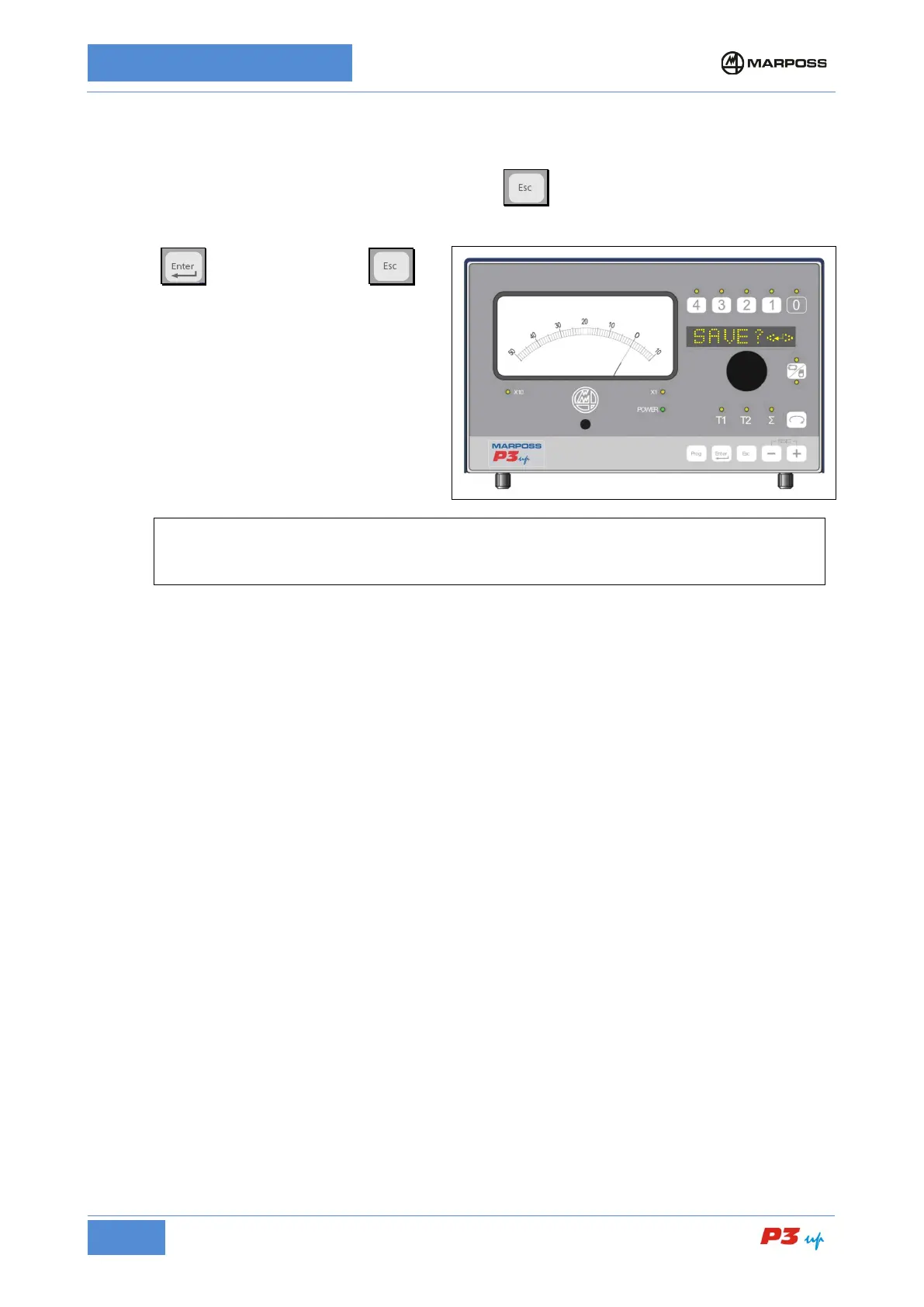
Once the parameter programming phase is complete, press to close the programming menu. If any of
the previously programmed data have been modified, the P3UP will ask the operator to confirm whether or
not to save the new data.
• Pres to save the data, or to
close the menu without saving. In this case,
the data used by the P3UP will be those
memorised the last time they were saved.
[
N.B.
Do not switch the unit off before the “Saved” message appears on the screen, indicating that the
programmed data have been saved correctly.



 To Next Page