134 CONTENTS
17.3 Registering and renaming devices for DirectShow usage
Note
Please be sure to register the MV device for DirectShow with the right version of mvDeviceConfigure (p. 100)
. I.e. if you have installed the 32 bit version of the VLC Media Player, Virtual Dub, etc., you have to register the
MV device with the 32 bit version of mvDeviceConfigure (p. 100) ("C:\Program Files\MATRIX VISION\mvI←-
MPACT Acquire\bin") !
17.3.1 Registering devices
To register a device/devices for access under DirectShow please perform the following registration procedure:
1. Start mvDeviceConfigure.
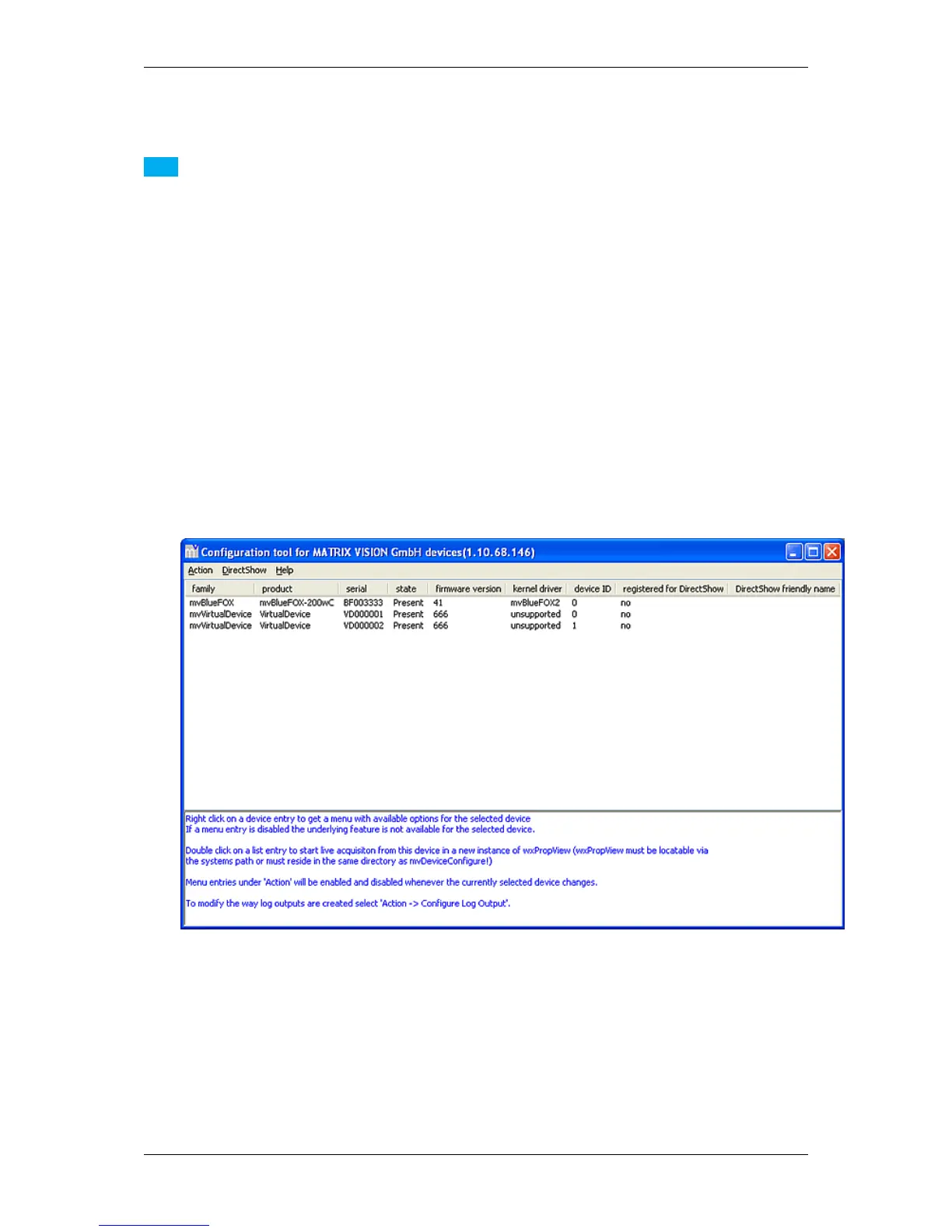
If no device has been registered the application will more or less (depending on the installed devices) look
like this.
Figure 1: mvDeviceConfigure - start window
2. To register every installed device for DirectShow access click on the menu item "DirectShow" → "Register
all devices".
MATRIX VISION GmbH



 To Next Page