20.4 Working with triggers 233
The "Timer1" appears every second image.
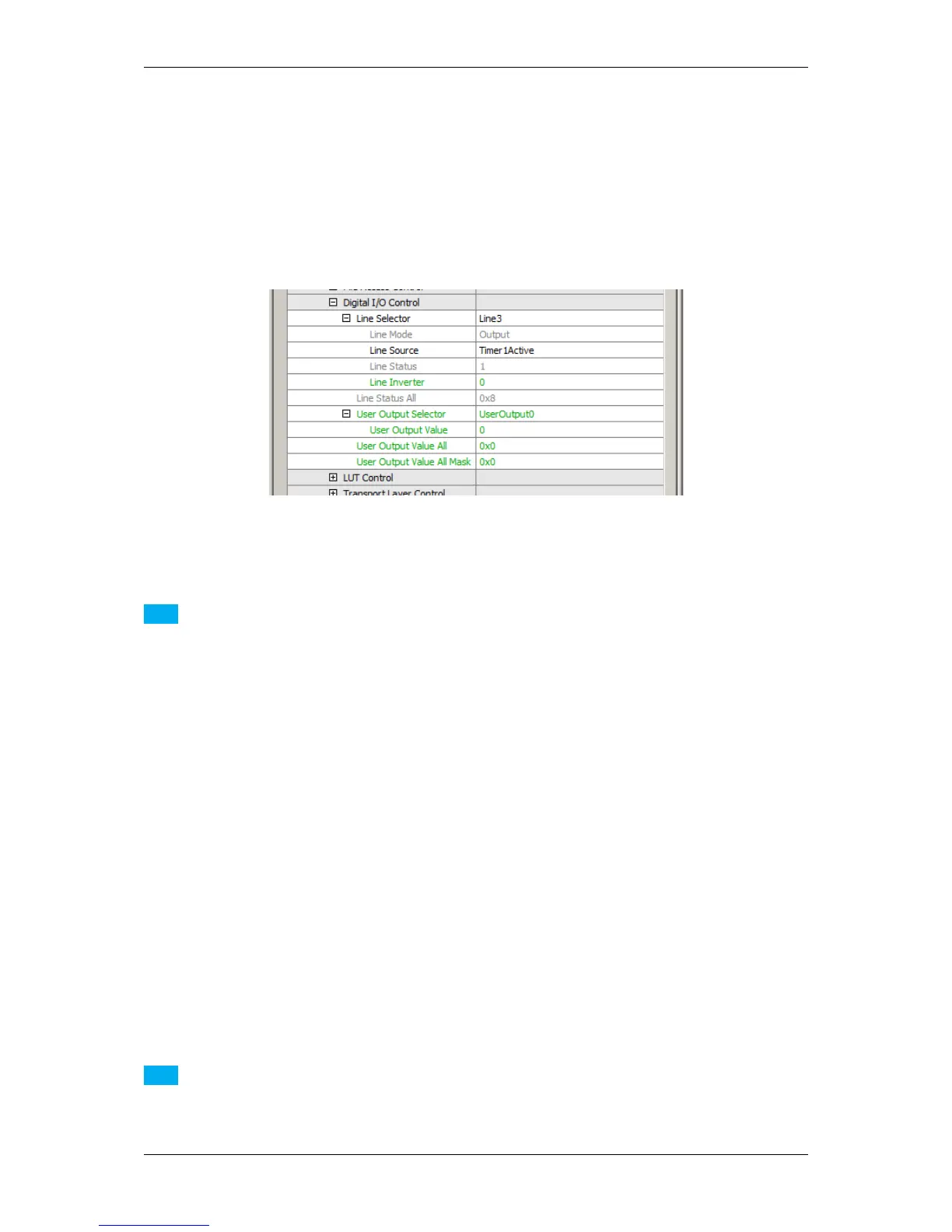
Now, you can assign "Timer1Active" to a digital output e.g. "Line3":
Figure 2: Assigning the digital output
Note
You can delay the pulse if needed.
20.4.4 Creating different exposure times for consecutive images
If you want to create a sequence of exposure times, you have to trigger the camera "externally" via pulse width:
1. Use Timer and Counter to build a sequence of different pulse widths.
2. Use the Counter for the time between the exposures (with respect to the readout times).
3. Afterwards, use an AND gate followed by OR gate to combine different exposure times.
Note
Please be sure that the sensor can output the complete image during Counter1 or Counter2. Otherwise, only
one integration time will be used.
MATRIX VISION GmbH



 To Next Page