20.2 Introducing acquisition / recording possibilities 187
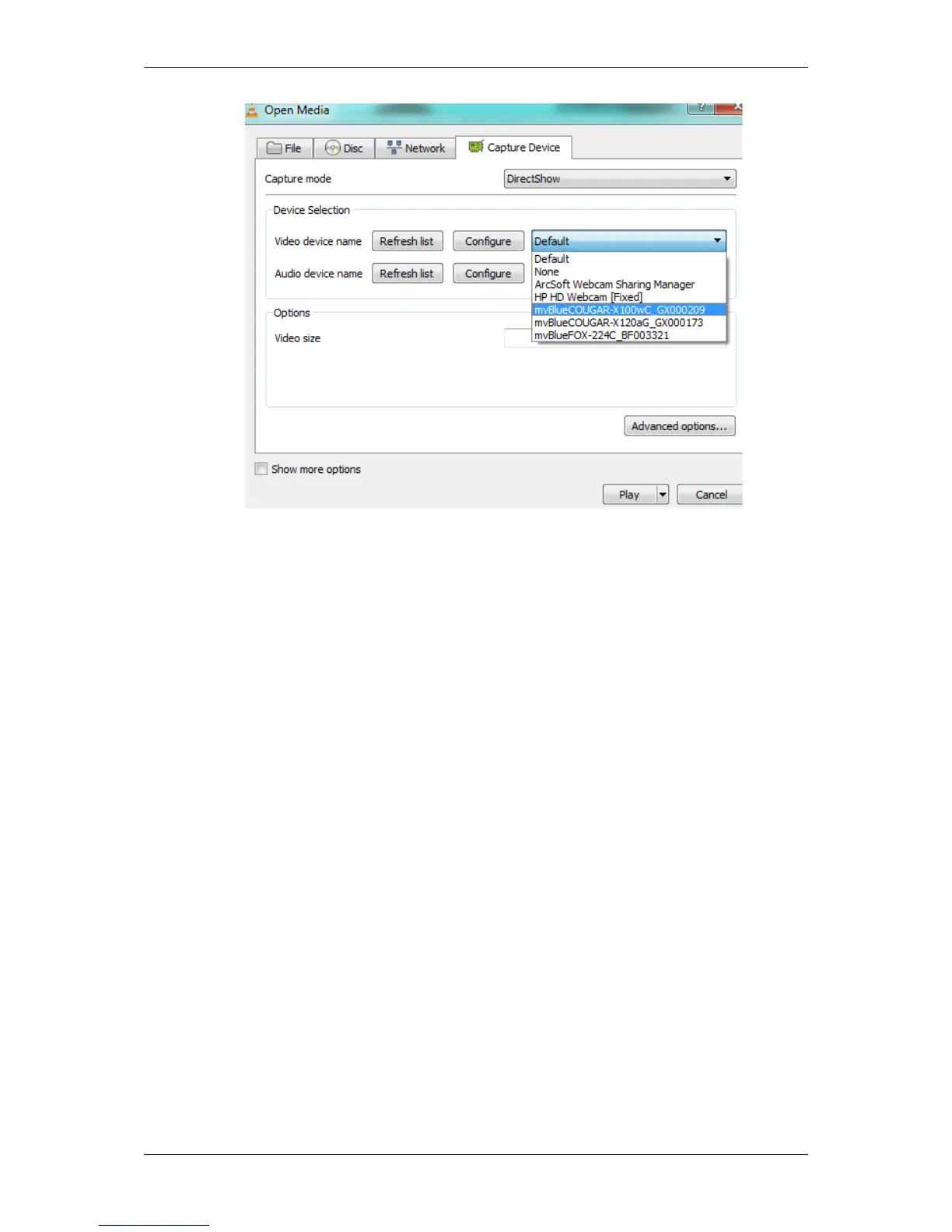
Figure 3: Video device name
5. Finally, click on "Play" .
After a short delay you will see the live image of the camera.
20.2.8 Using the linescan mode
Both CMOS sensors from e2v offer a line scan mode. One (gray scale sensor) or two lines (in terms of color sensor)
can be selected to be read out of the full line height of 1024 or 1200 lines. This or these lines are grouped to a
pseudo frame of selectable height in the internal buffer of the camera.
Complete instructions for using the line scan mode are provided here:
• sensor description of line scan mode (-1013) (p. 336)
• sensor description of line scan mode (-1020) (p. 339)
20.2.8.1 System requirements
• mvBlueCOUGAR-X
– "firmware version" at least "1.6.32.0"
• mvBlueFOX3
– "firmware version" at least "1.6.139.0"
• mvBlueLYNX-X
– free running line scan mode is available; the complete line scan functionality will be available in one of
the next firmware updates
MATRIX VISION GmbH



 To Next Page