164 CONTENTS
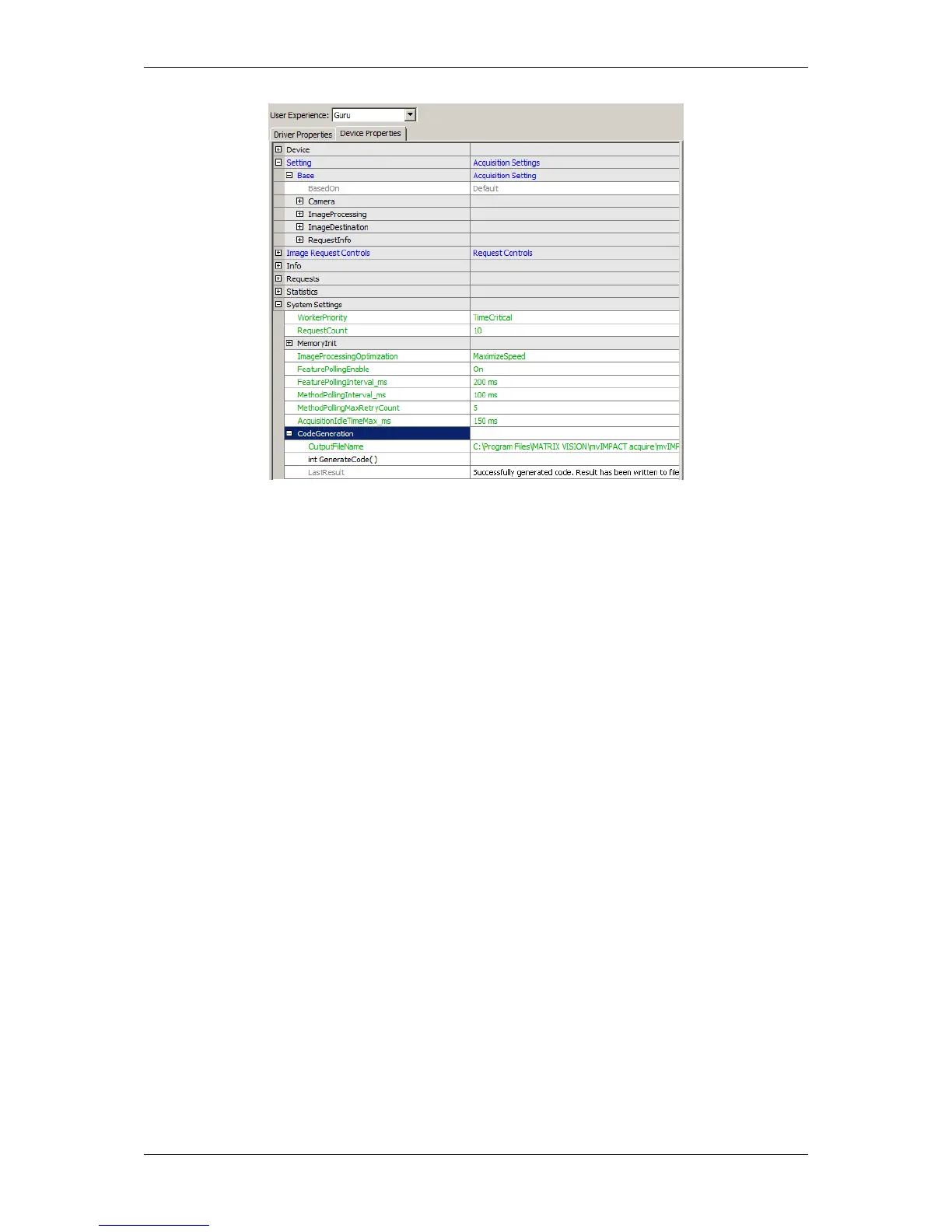
Figure 3: wxPropView - LastResult property
20.1.2 Using the result of the code generator in an application
Each header file generated by the code generator will include "mvIMPACT_CPP/mvIMPACT_acquire.h" thus
when an application is compiled with files that have been automatically generated these header files must have
access to this file. This can easily achieved by appropriately settings up the build environment / Makefile.
To avoid problems of multiple includes the file will use an include guard build from the file name.
Within each header file the generated data types will reside in a sub namespace of "mvIMPACT::acquire" in order
to avoid name clashes when working with several different created files in the same application. The namespace
will automatically be generated from the ModelName tag and the file version tags in the devices GenICam (p. 155)
XML file and the interface layout. For a device with a ModelName tag mvBlueIntelligentDevice and a file version
of 1.1.0 something like this will be created:
namespace mvIMPACT {
namespace acquire {
namespace DeviceSpecific { // the name of the interface layout used during the process of code
creation
namespace MATRIX_VISION_mvBlueIntelligentDevice_1 { // this name will be constructed from the
version and product
// information that comes with the GenICam XML
file. As defined
// by the GenICam standard, different major
versions of a devices
// XML file may not be compatible thus
different interface files should be created here
// all code will reside in this inner namespace
} // namespace MATRIX_VISION_mvBlueIntelligentDevice_1
} // namespace DeviceSpecific
} // namespace acquire
} // namespace mvIMPACT
MATRIX VISION GmbH



 To Next Page