192 CONTENTS
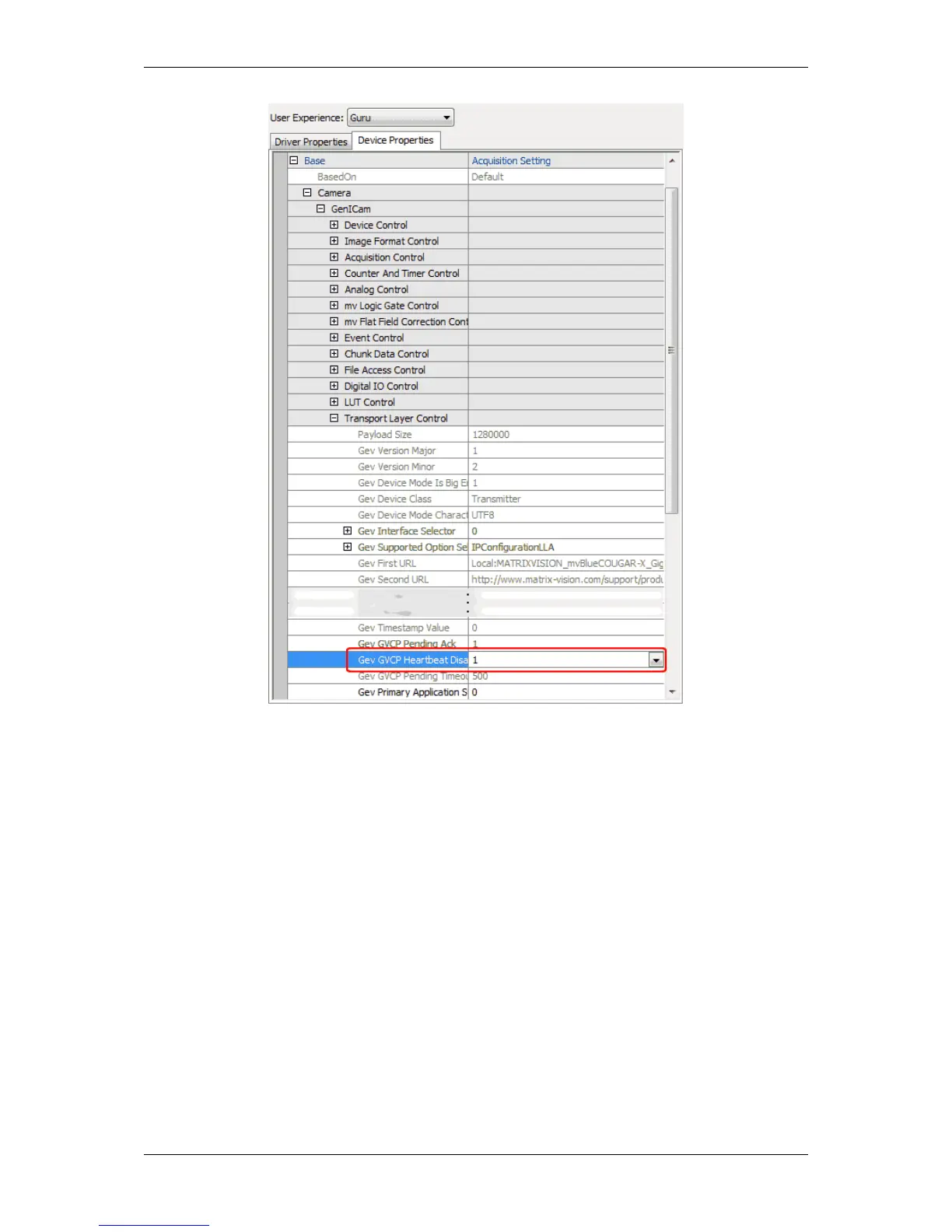
Figure 3: wxPropView - Disabling the heartbeat
Secondly, since the conveyor belt stops sometime, the trigger will do so, too. Be sure, that the trigger signal is
available until the last image block was received.
Thirdly, if you know the number of image blocks, you can use the How to see the first image (p. 79) MultiFrame
functionality (in "Setting -> Base -> Camera -> GenICam -> Acquisition Control" set "Acquisition Mode = Multi←-
Frame" and "Acquisition Frame Count"). This will acquire the number of image blocks and will stop the
acquisition afterwards.
20.2.9 Working with Event Control
The mvBlueFOX3 camera generates Event notifications. An Event is a message that is sent to the host application
to notify it of the occurrence of an internal event. With "Setting -> Base -> Camera -> GenICam -> Event Control"
you can handle these notifications.
At the moment, it is possible to handle
MATRIX VISION GmbH



 To Next Page