34 CONTENTS
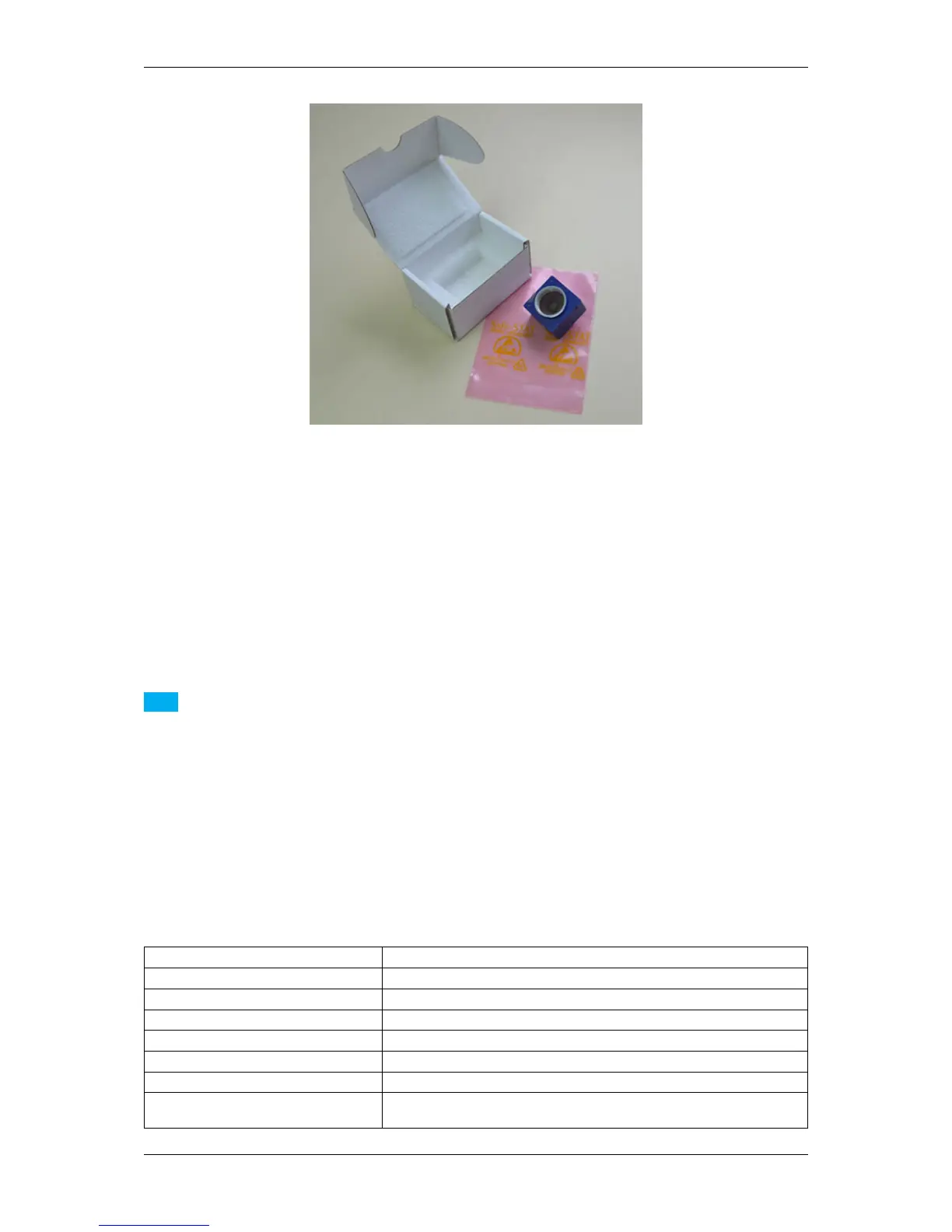
Figure 3: mvBlueFOX3 - scope of supply
For this reason, you will need at least
• a lens (by default, the mvBlueFOX3 is shipped without lens) and
• a USB 3.0 cable
to use the mvBlueFOX3.
Note
Although maximum cable length is not specified in the USB 3.0 standard, the electrical properties of the cable
and signal quality limitations may define the practical maximum length.
There are different USB 3.0 cable qualities available on the market. If you want to use your own USB 3.0
cables, you have to ensure that the data quality and shielding of the cable is sufficient.
As a rule of thumb thin cables will only work for short distances up to max. 3m.
Better cable qualities which go alongside with thicker cable diameter will allow longer distances such as 5m or
even 8m.
We recommend to use the cables we supply to be on the safe side.
7.3.1 Accessories for the mvBlueFOX3
Part code Description
KS-MICUSB3B-A LS USB 3.0 cable lockable, length up to 5 m
KS-BCX-HR12 I/O cable, length up to 20 m
MV-ZWISCHENRING 5MM CMOUNT Spacer for C-Mount lenses
MV-Tripod Adapter BF3 1/4" tripod adapter including three suitable screws
TRIPOD ADAPT BF3-2 Tripod adapter for mvBlueFOX3-2
mvBlueFOX3-IO I/O board for mvBlueFOX3-M (mvBlueFOX3-IO) (p. 56)
mvBlueFOX3-IO NC I/O board for mvBlueFOX3-M (mvBlueFOX3-IO) (p. 56) without Hi-
rose connector
MATRIX VISION GmbH



 To Next Page