12.2 mvDeviceConfigure 103
12.2.2 Preserving UserSet settings when updating the Firmware
For devices that are capable of storing UserSet settings on the device itself (mvBlueCOUGAR-X/XD, mvBlueF←-
OX3, etc.) these settings will by default be preserved during firmware updates since mvIMPACT Acquire 2.9.1.
This may lead to slightly longer firmware update times. If UserSets are not used, and their persistence during
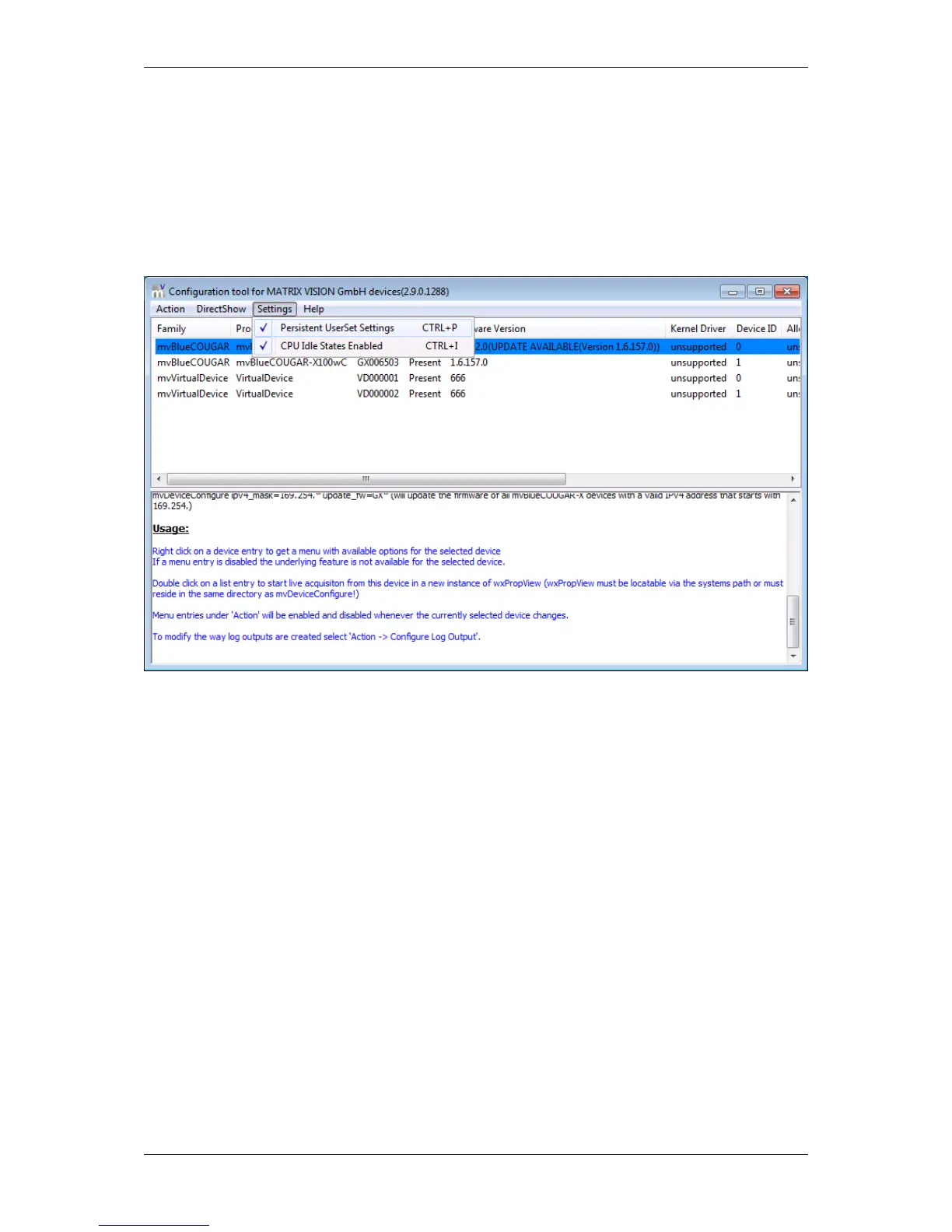
firmware-updates is not desired, the "Persistent UserSet Settings" in the Settings Submenu can be unchecked:
Figure 32: mvDeviceConfigure - UserSet Persistence
This will also accellerate the firmware update process.
12.2.3 How to disable CPU sleep states a.k.a. C states (< Windows 8)
Modern PC's, notebook's, etc. try to save energy by using a smart power management. For this several hardware
manufacturers specified the ACPI standard. The standard defines several power states. For example, if processor
load is not needed the processor changes to a power saving (sleep) state automatically and vice versa. Every state
change will stop the processor for microseconds. This time is enough to cause image error counts!
See also
More informations about ACPI: http://en.wikipedia.org/wiki/Advanced_Configuration←-
_and_Power_Interface
To disable the power management on the processor level (so-called "C states"), you can use mvDevice←-
Configure:
MATRIX VISION GmbH



 To Next Page