102 CONTENTS
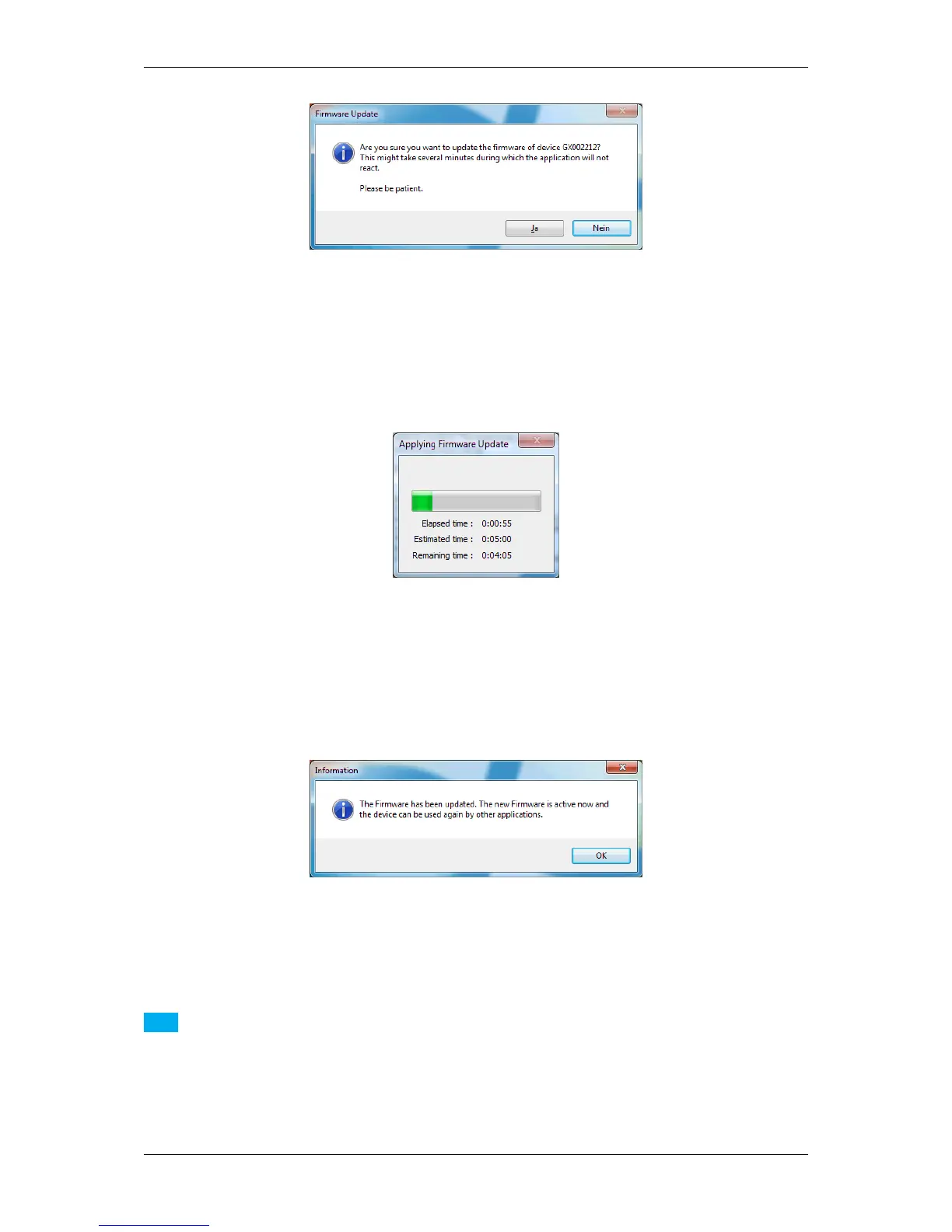
Figure 29: mvDeviceConfigure - Confirm update
• Afterwards, you will see a progress bar:
Figure 30: mvDeviceConfigure - Progress of firmware update
If the firmware update is successful, you will receive the following message:
Figure 31: mvDeviceConfigure - Update successful
Note
The firmware update is only necessary in some special cases (e.g. to benefit from a new functionality added
to the firmware, to fix a firmware related bug or to update the kernel driver). Before updating the firmware be
sure what you are doing and have a look into the change log (versionInfo.txt and/or the manual to see if the
update will fix your problem).
The firmware update takes several minutes and during this time the application will not respond!
MATRIX VISION GmbH



 To Next Page