12.2 mvDeviceConfigure 101
12.2.1.2 Step 2: Start firmware update
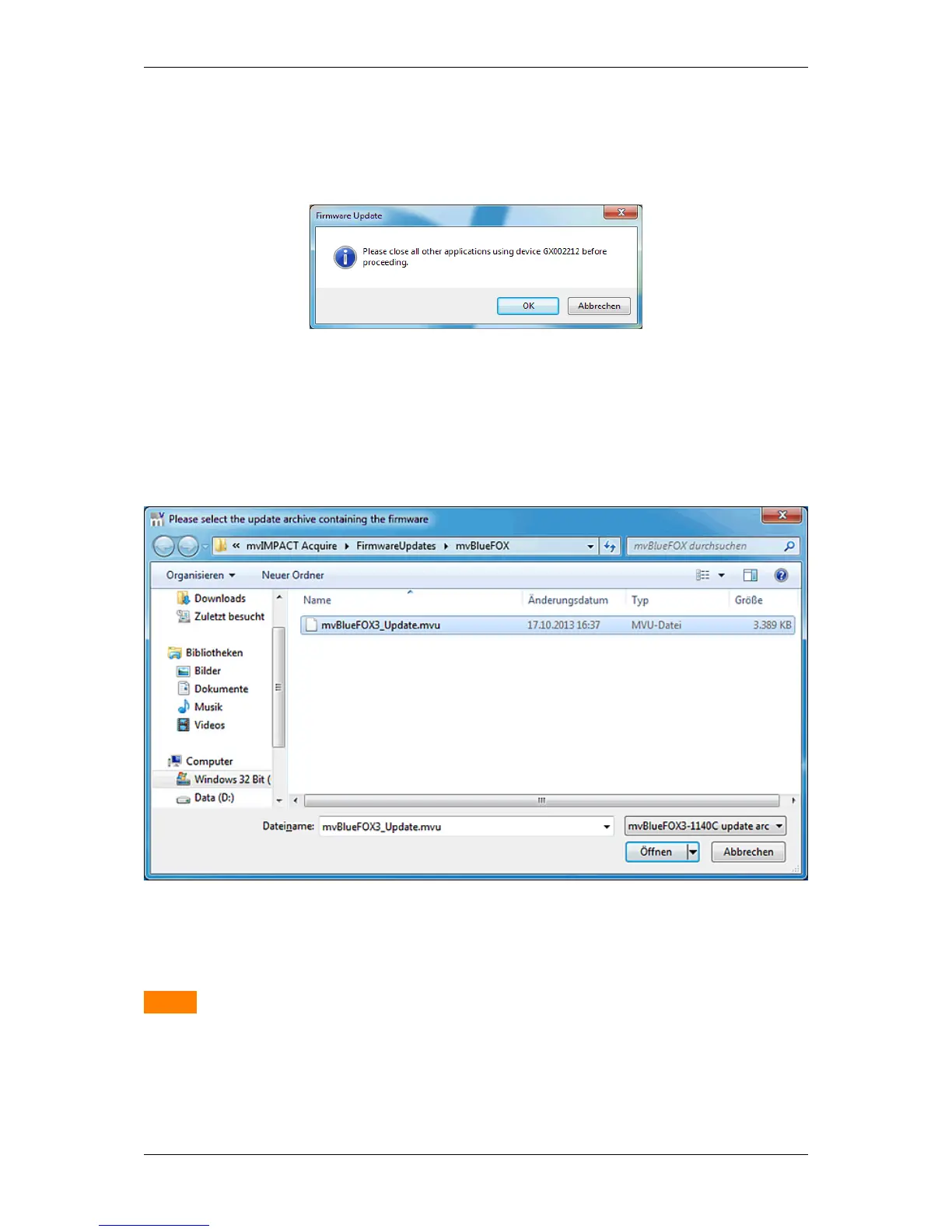
• You have to close applications using the device and click Ok.
Figure 27: mvDeviceConfigure - Close all applications
• You have to select the update file
– mvBlueFOX3: mvBlueFOX3_Update.mvu
Figure 28: mvDeviceConfigure - Select firmware file
Warning
All current camera settings will be lost when updating the firmware. Network configuration settings (such as
static IP settings etc.) on the other hand will not be affected. UserSets may or may not be lost, depending on
the Persistent UserSet Settings parameter(more information on this can be found later in this chapter).
• Confirm the firmware update.
MATRIX VISION GmbH



 To Next Page