20.3 Improving the acquisition / image quality 219
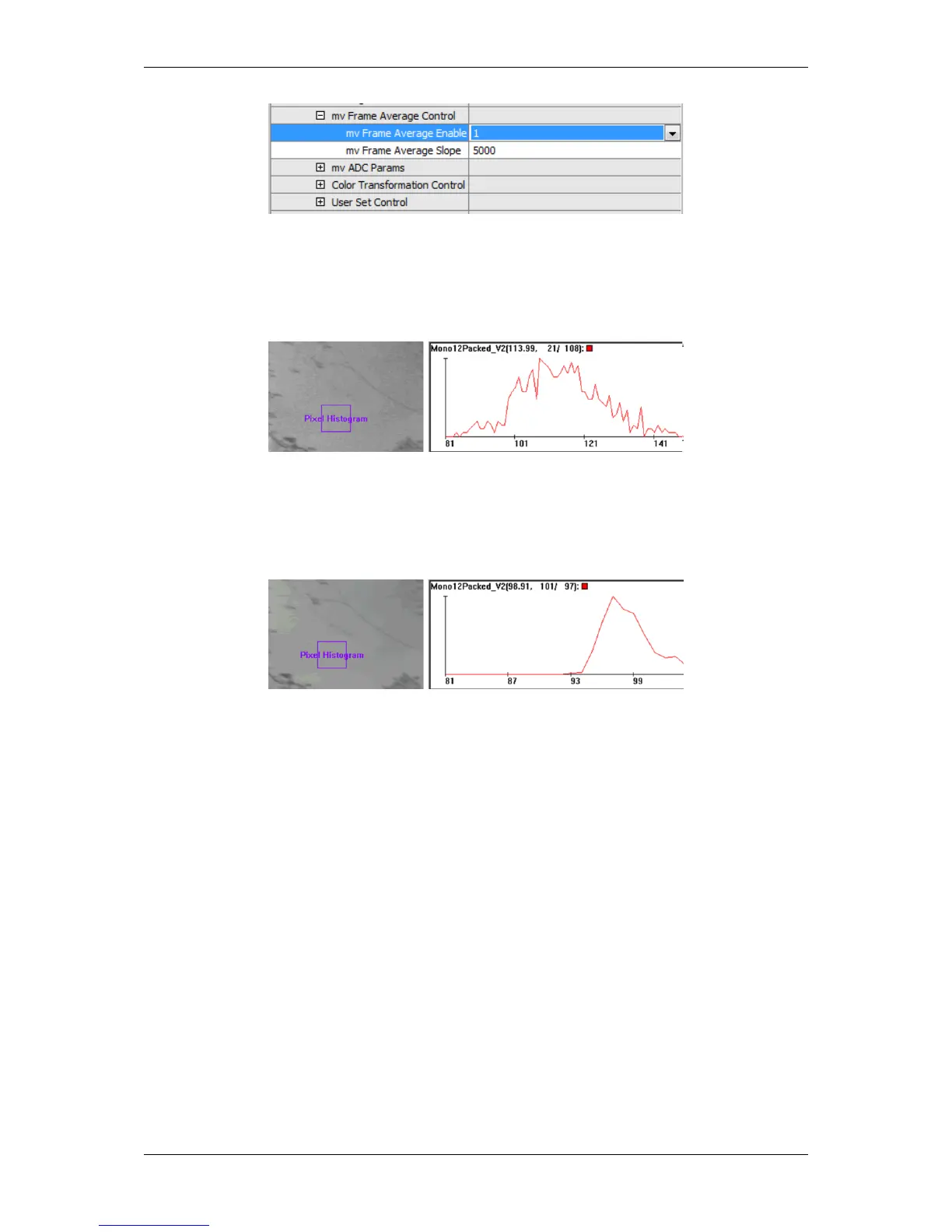
Figure 4: wxPropView: Setting frame average mode "mvDynamic"
For "static images", setting average slope to small numbers (10 .. 1000) gives the best noise enhancement at the
expense of motion blur.
Figure 5: wxPropView - noisy image
For "dynamic images", setting average slope to higher values (1000 .. 5000) reduces motion blur at the expense
of noise enhancement. This is especially needed in video application to enhance noise.
Figure 6: wxPropView - reduced noise in image
20.3.4 Setting a flicker-free auto expose and auto gain
20.3.4.1 Introduction
In order to prevent oscillations it is important to adapt the camera frequency to the frequency of AC light.
This is, for example, in
• Europe 50 cycles (100 fluctuations/s) whereas in
• USA, Japan and other countries it is 60 Hz.
This means the camera must strictly be coupled to this frequency. In conjunction with auto exposure this can only
be maintained by using a timer based generation of external trigger pulses. This is a behavior of both sensor types:
CCD and CMOS.
MATRIX VISION GmbH



 To Next Page