20.2 Introducing acquisition / recording possibilities 185
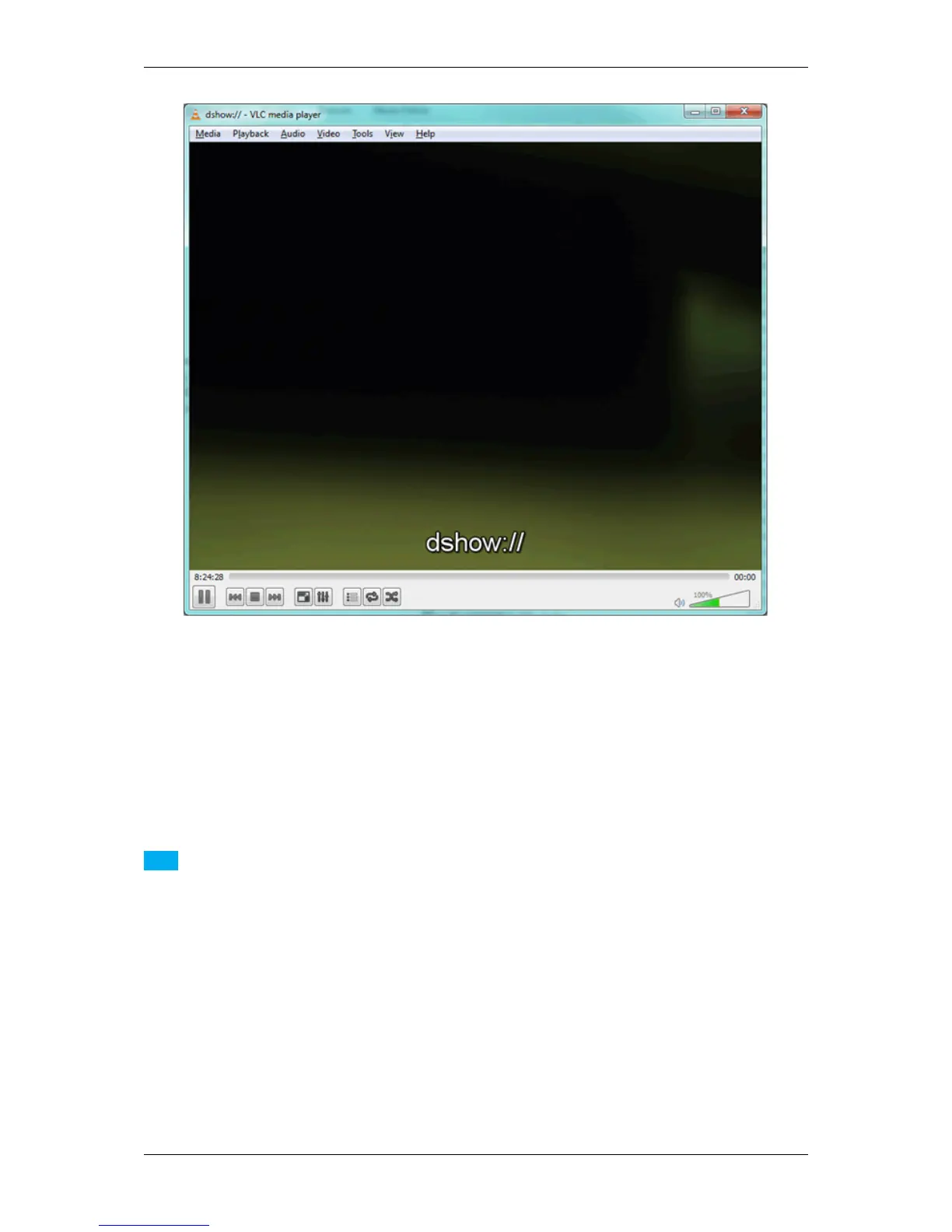
Figure 1: VLC Media Player with a connected device via DirectShow
20.2.7.1 System requirements
It is necessary that following drivers and programs are installed on the host device (laptop or PC):
• Windows 7, 32 bit or 64 bit
• up-do-date VLC Media Player, 32 bit or 64 bit (here: version 2.0.6)
• up-do-date MATRIX VISION driver, 32 bit or 64 bit (here: version 2.5.6)
Note
Using Windows 10: We tested the VLC Media Player with versions smaller than 2.2.0 successfully.
20.2.7.2 Installing VLC Media Player
1. Download a suitable version of the VLC Media Player from the VLC Media Player website mentioned below.
2. Run the setup.
3. Follow the installation process and use the default settings.
A restart of the system is not required.
See also
http://www.videolan.org/
MATRIX VISION GmbH



 To Next Page