20.3 Improving the acquisition / image quality 197
Note
After having re-started the camera you have to reload the capture settings vice versa.
The filter checks:
Pixel < T[cold] // (default value: 15 %)
// T[cold] = deviation of the average gray value (ColdPixelDeviation_pc)
All pixels below this value have a dynamic below normal behavior.
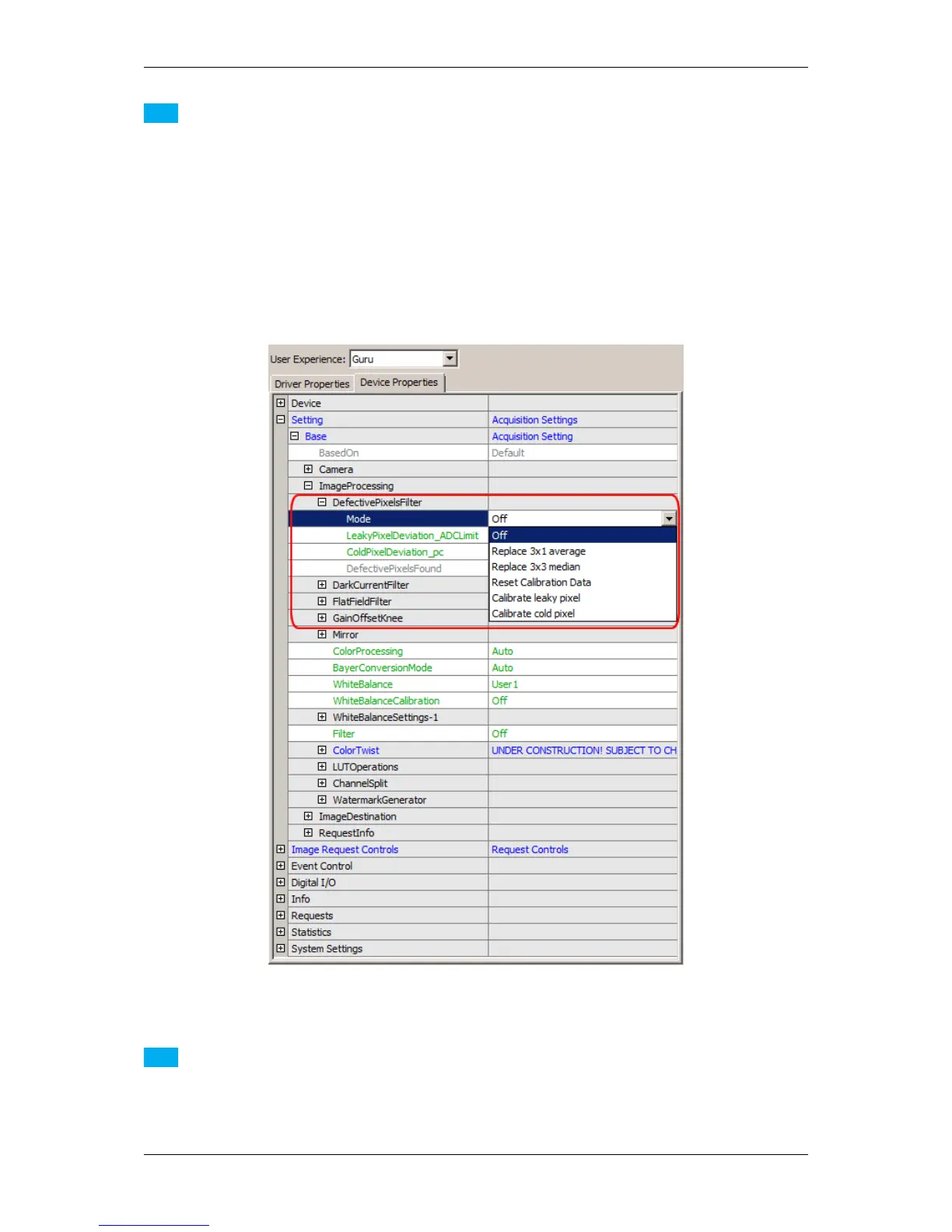
Figure 2: Image corrections: DefectivePixelsFilter
Note
Repeating the defective pixel corrections will accumulate the correction data which leads to a higher value in
"DefectivePixelsFound". If you want to reset the correction data or repeat the correction process you
have to set the (Filter-) "Mode = Reset Calibration Data".
MATRIX VISION GmbH



 To Next Page