210 CONTENTS
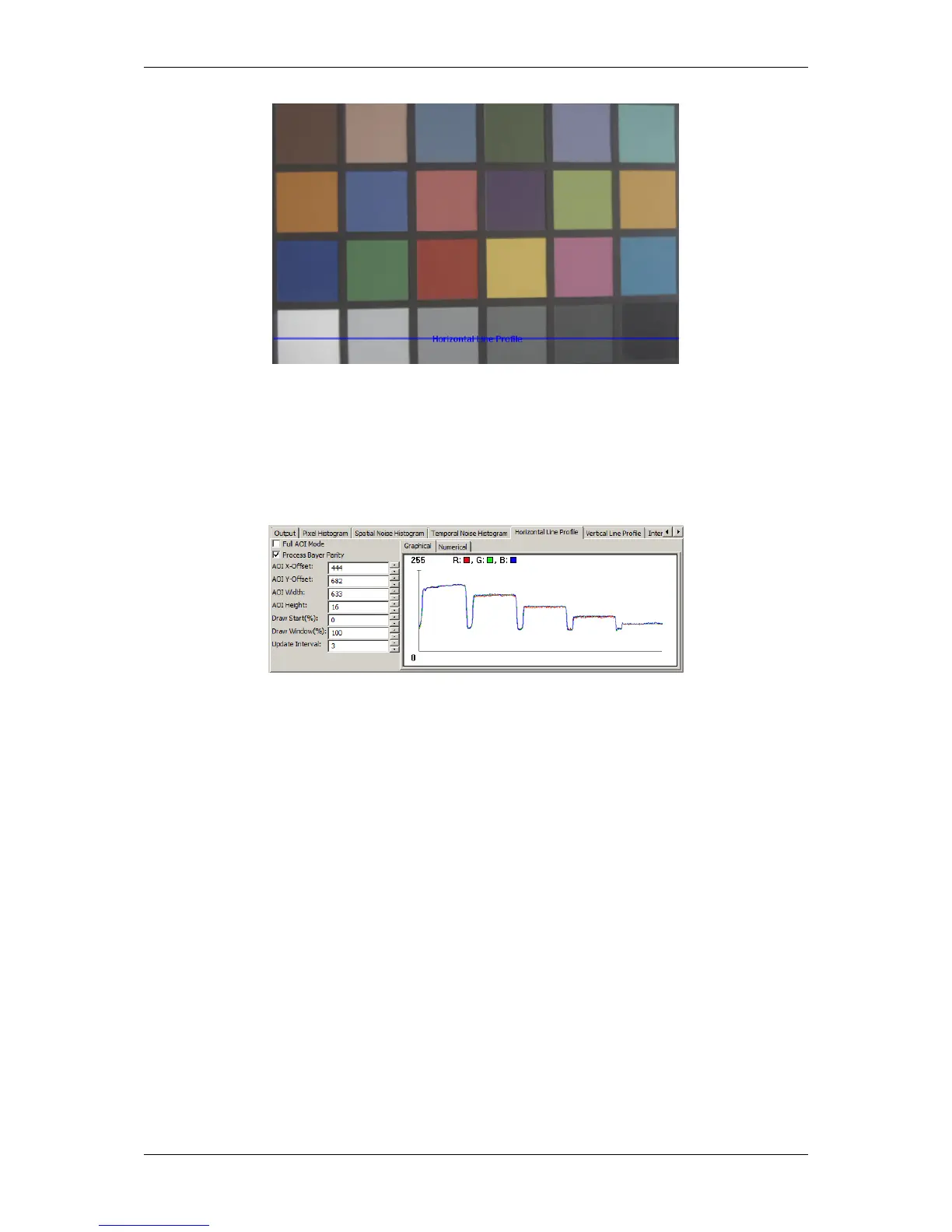
Figure 13: After white balance
Figure 14: Corresponding histogram after white balance
20.3.2.3 Step 3: Contrast
Still, black is more a darker gray. To optimize the contrast you can use "Setting -> Base -> Camera -> GenICam
-> Analog Control -> Black Level Selector":
1. Select "DigitalAll" and
2. adjust the "Black Level" value until black seems to be black.
MATRIX VISION GmbH



 To Next Page