20.7 Working with LUTs 263
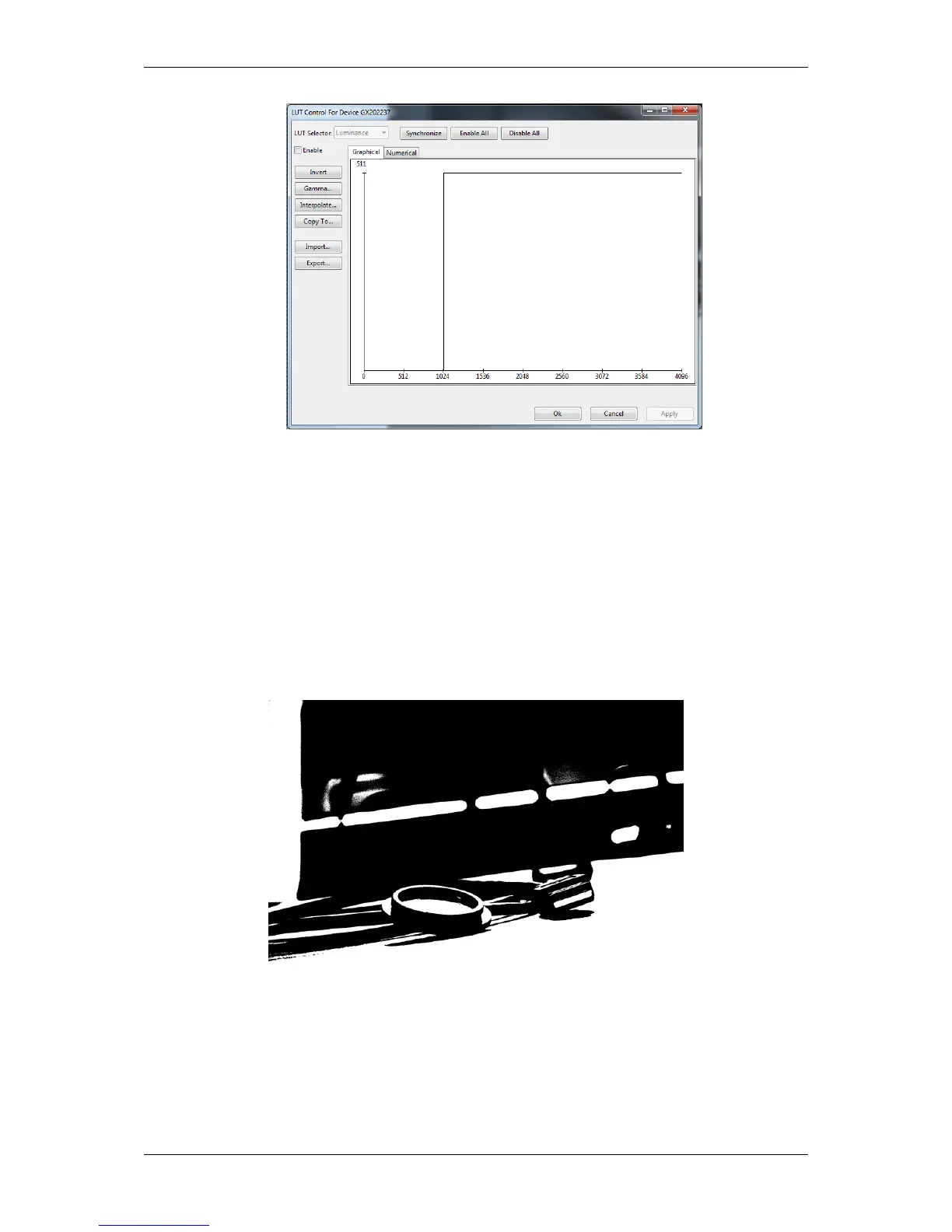
Figure 2: The binarization LUT
3. Now, save the "∗.csv" file and
4. import it via the LUT Control wizard.
5. Click on synchronize and
6. finally check "Enable".
Afterwards the camera will output binarized images like the following:
Figure 3: Binarized image
MATRIX VISION GmbH



 To Next Page