20.8 Saving data on the device 267
20.8.2.1 Working with the user sets
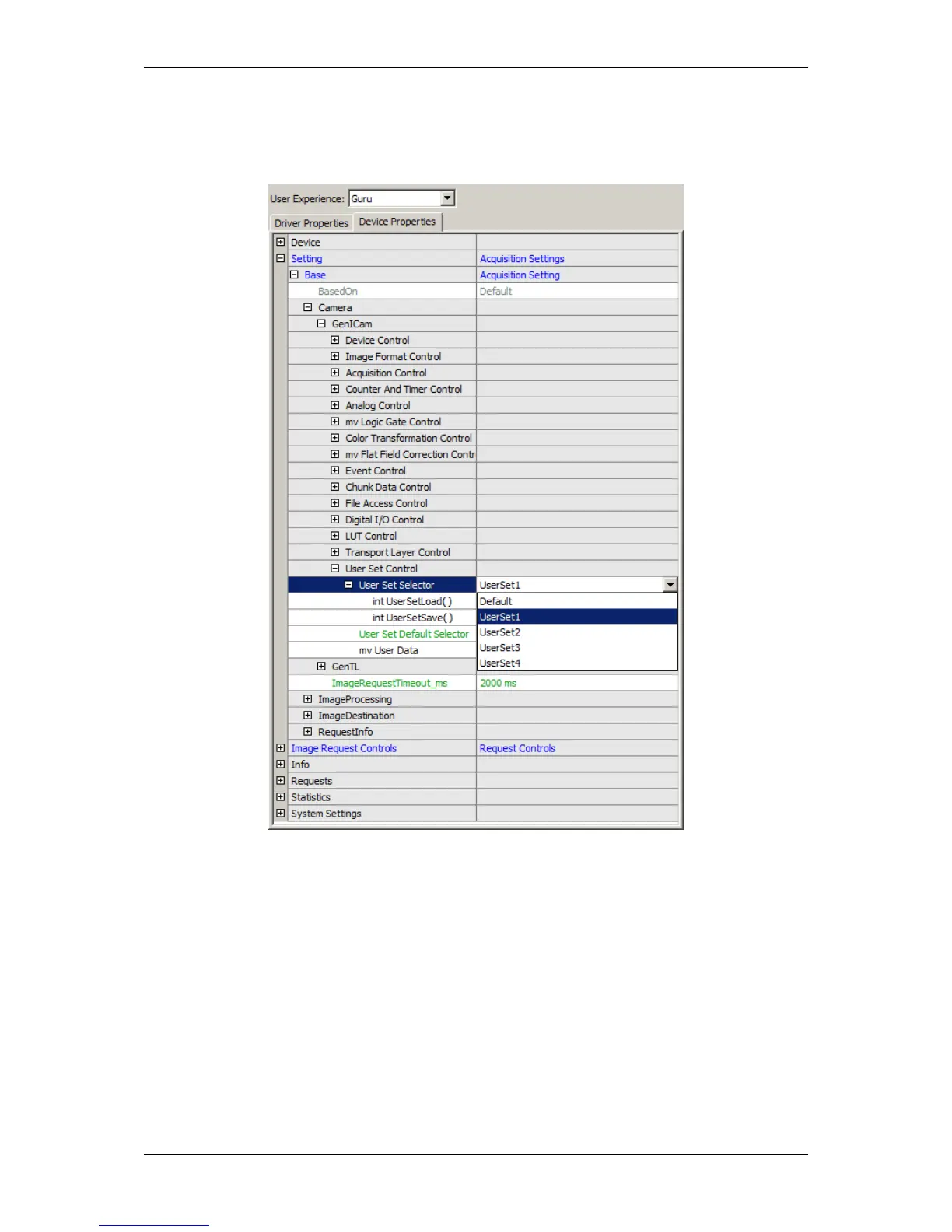
You can find the user set control in "Setting -> Base -> Camera -> GenICam -> User Set Control":
Figure 1: User Set Control
With "User Set Selector" you can select the user set ("Default", "UserSet1 - UserSet4"). To save or load the specific
user set, you have two functions:
• "int UserSetLoad()" and
• "int UserSetSave()".
"User Set Default" is the property, where you can select the user set, which comes up after hard reset.
Finally, with "mv User Data" you have the possibility to store arbitrary user data.
MATRIX VISION GmbH



 To Next Page