12.1 wxPropView 75
Since
mvIMPACT Acquire 2.11.3
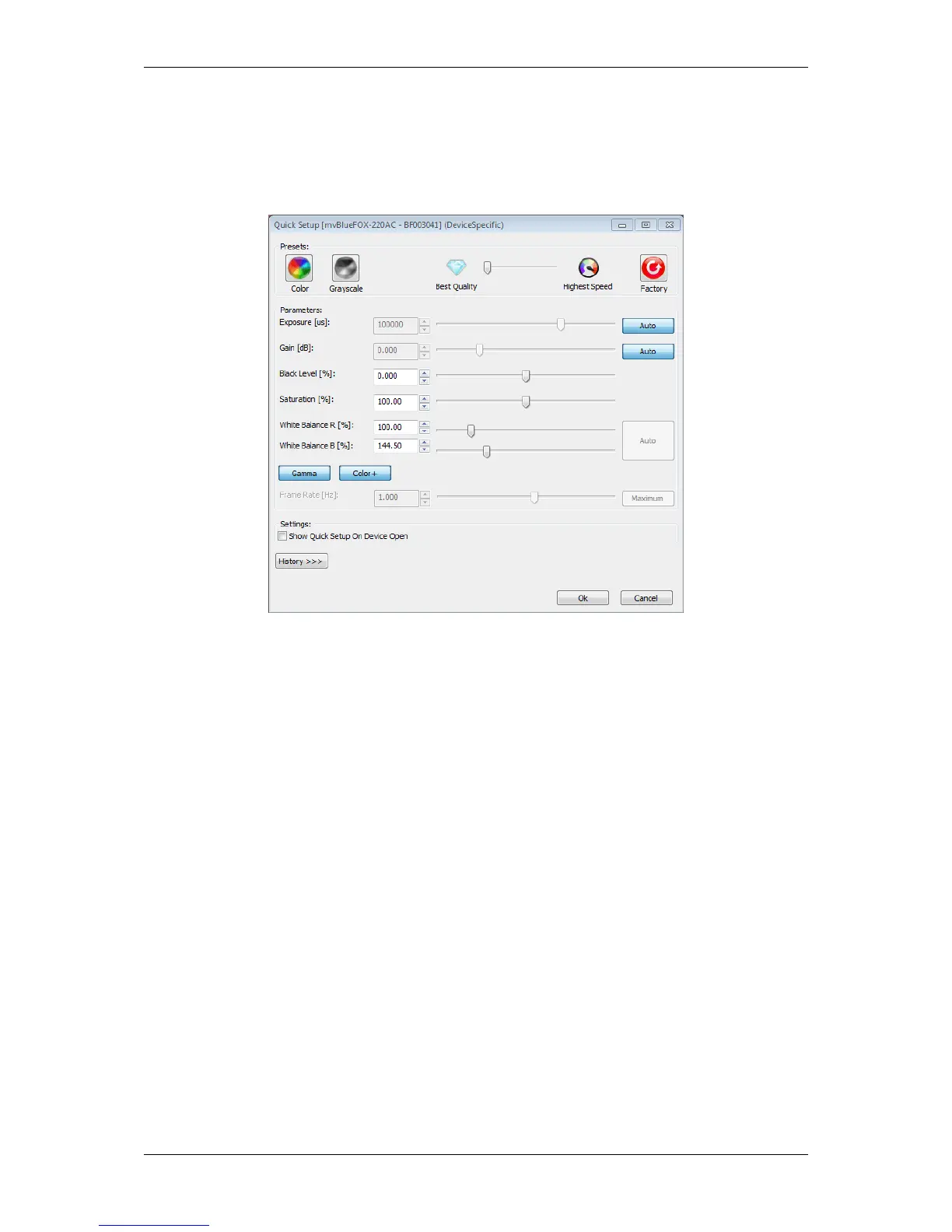
The Quick Setup Wizard is a tiny and powerful single window configuration tool to optimize the image quality
automatically or to set the most important parameters, which affect the image quality, in an easy way manually:
Figure 1:Quick Setup Wizard started
Depending on the camera spectrum (gray or color sensor), it will automatically pre-set the camera so that image
quality is usually as best as possible.
"For all cameras:"
Image format is chosen as 10 bit (if possible) as a good compromise on image quality and speed.
It will further set
• "Exposure" to Auto,
• "Gain" to Auto,
• "Frame rate" to Auto based on current settings of the camera, and
• switches camera into continuous mode
"In case of gray:"
The above settings will be also applied whenever the "Gray Preset" button is pressed. For gray cameras it is herewith
assumed that image processing prefers a linear camera response.
"In case of color:"
It will additionally set
• "White balance" in the camera to Auto, and will apply
• a host based moderate "Gamma correction" (1.8), and lastly it will apply
• a host (PC) based sensor specific "Color Correction Matrix" and use the respective "sRGB display matrix".
These settings will also be applied whenever the "Color Preset" button is pressed. It is herewith assumed that color
camera image is optimized for best human visual feedback.
MATRIX VISION GmbH



 To Next Page