4-18
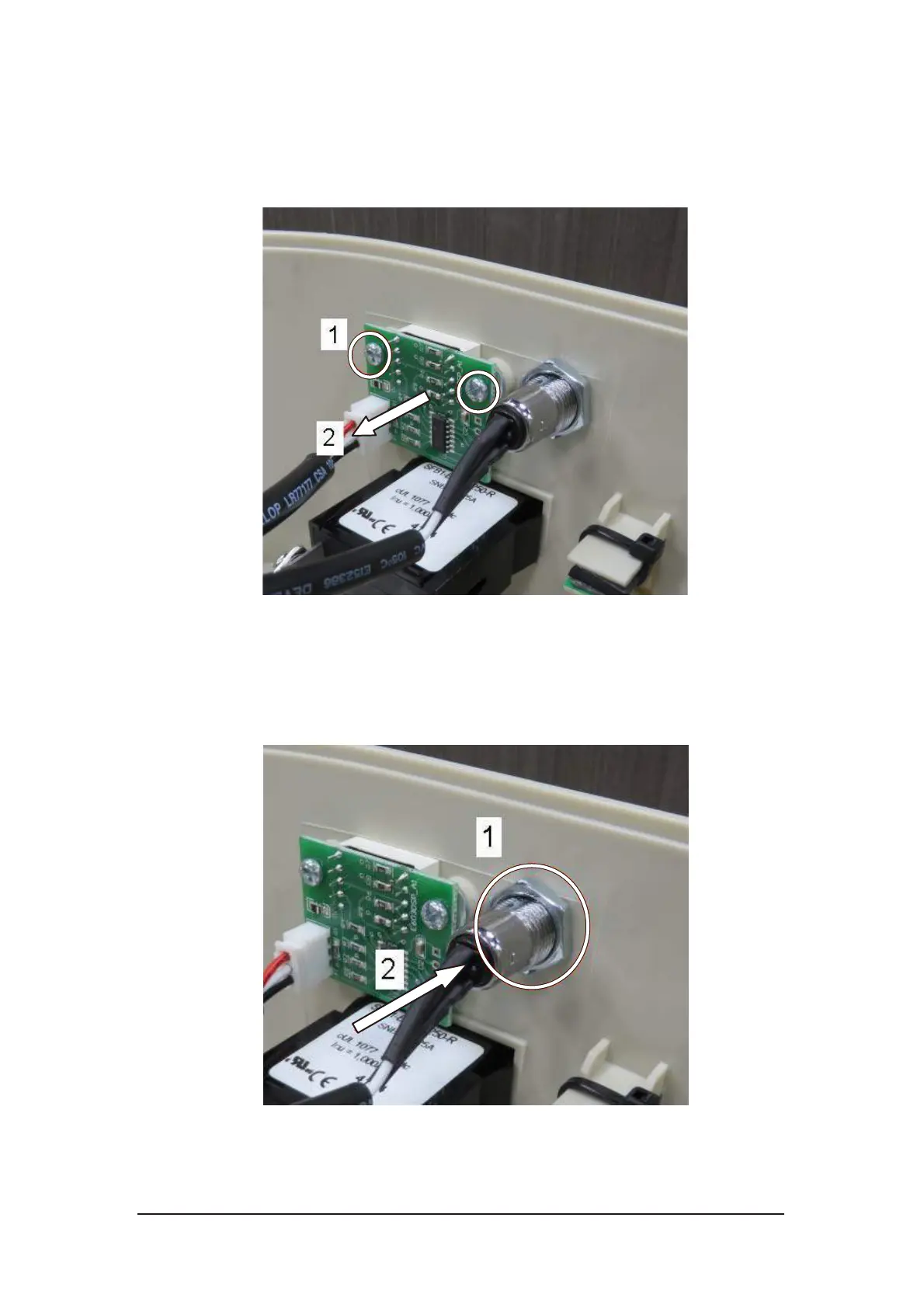
4.4.9. Status Display PCB Replacement
i. Loosen the two screws on the status display PCB.
ii. Remove status display PCB from the right side cover.
Figure 4-33 Status display PCB removal
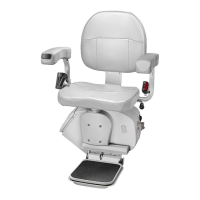
4.4.10. Key Switch Replacement
i. Loosen the locking nut on the key switch.
ii. Remove the key switch from the right side cover.
Figure 4-34 Key switch removal



 To Next Page