© Microhard Systems Inc. 100
4.0 WebUI Configuration
Mail Subject
The Mail Subject field allows a user to enter a subject for the email sent by
the IPn3G.
Values (Chars)
Report1 Message
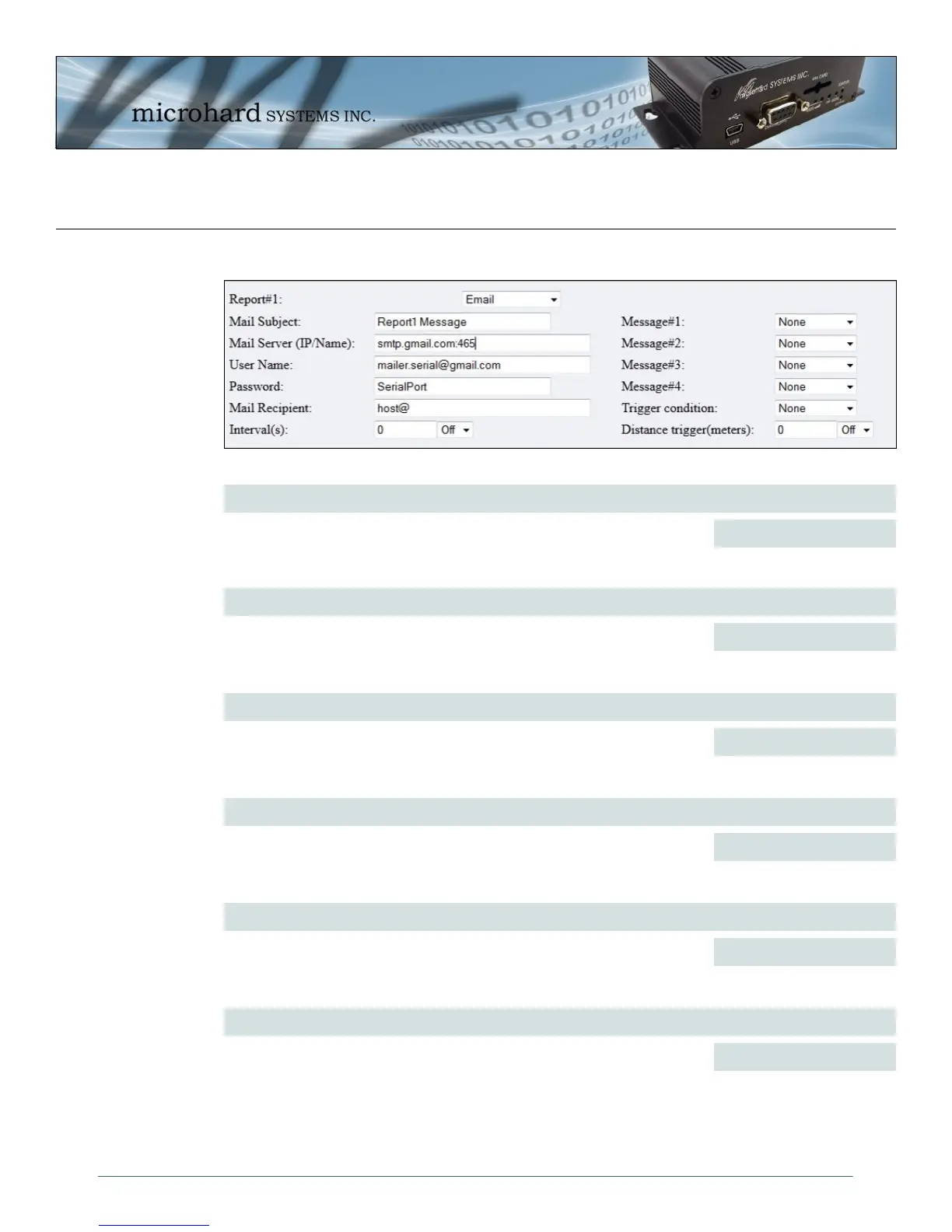
Image 4-61: GPS Reporting submenu - Email
GPS Reporting - Email
Mail Server (IP/Name)
Enter the IP Address or Domain name of the account of the outgoing mail
server used to send the message.
Values (IP/Name)
varies
User Name
Enter the User Name of the email account used to send email from the
IPn3G.
Values (Chars)
varies
Password
Enter the Password for the email account used to send Email, only
required if the email server required outgoing authentication.
Values (Chars)
varies
Mail Recipient
Enter the Email address of where the message is to be sent to.
Values (Chars)
varies
Interval(s)
The repeat timer specifies the frequency at which the GPS data is reported
in seconds.
Values (seconds)
0



 To Next Page