© Microhard Systems Inc. 68
4.0 WebUI Configuration
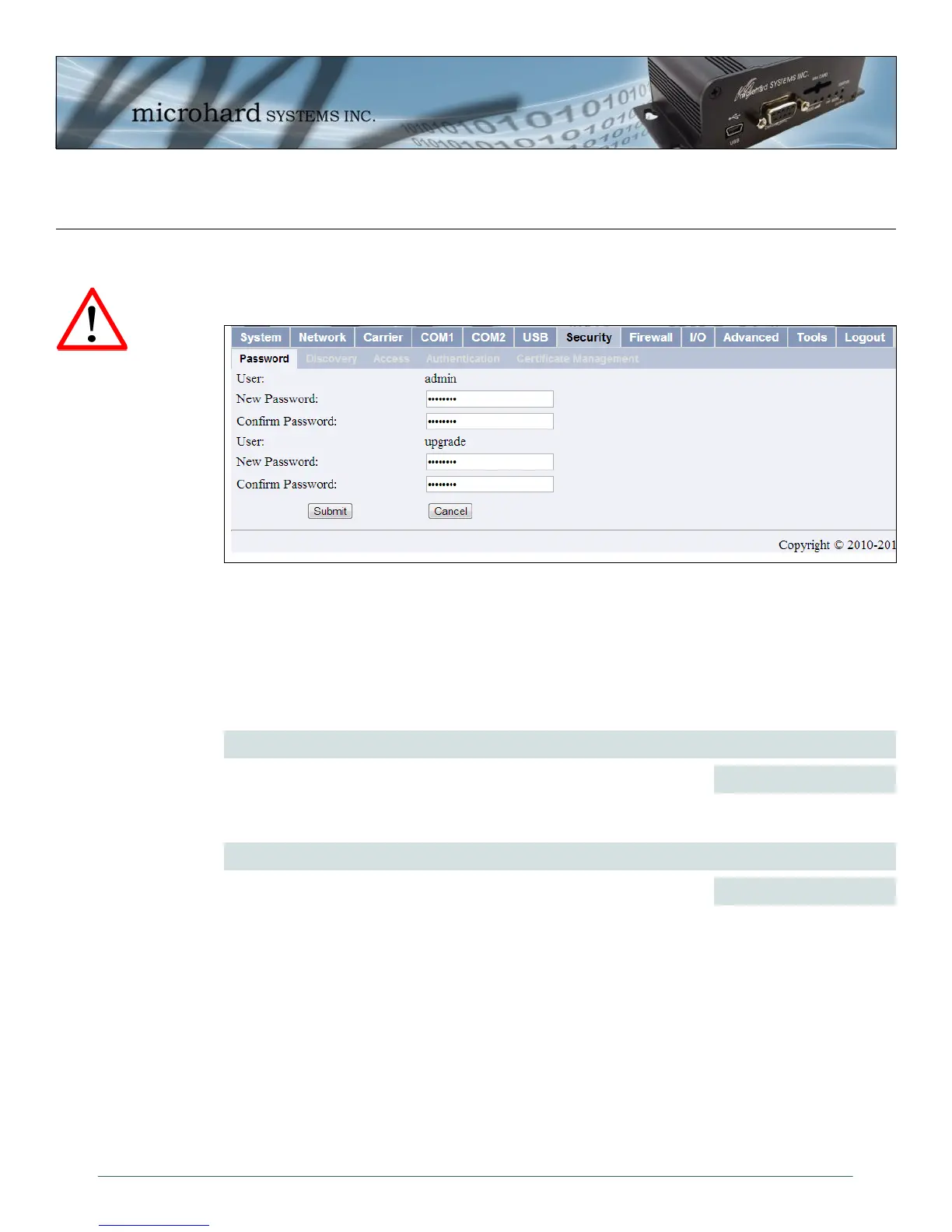
Image 4-33: Security > Password Configuration Menu
4.7 Security
4.7.1 Security > Password
To keep a system secure, the Administrator Password (which is prompted-for at the LogOn window,
Console, and Telnet sessions) should be modified rather than retaining the factory default value of ‘admin’.
The Upgrade Password protects the IPn3G from having firmware upgrade performed via FTP by an
unauthorized person. It is recommended that the default password be changed when the system is
deployed.
New Password/Repeat Password (admin)
Values (char string)
admin
Enter a new password for the Admin user. Repeat to ensure the intended
password was entered and that it was entered correctly. Do not forget the
admin password as, if lost, it cannot be recovered.
New Password/Repeat Password (upgrade)
Values (char string)
admin
Enter a new password for the Upgrade user. Repeat to ensure the intended
password was entered and that it was entered correctly.
For best practices and to
control unwanted access
it is critical that any
passwords not be left at
the default values.



 To Next Page