© Microhard Systems Inc. 50
4.0 WebUI Configuration
4.5 COM1/COM2
4.5.1 COM1/2 > Statistics
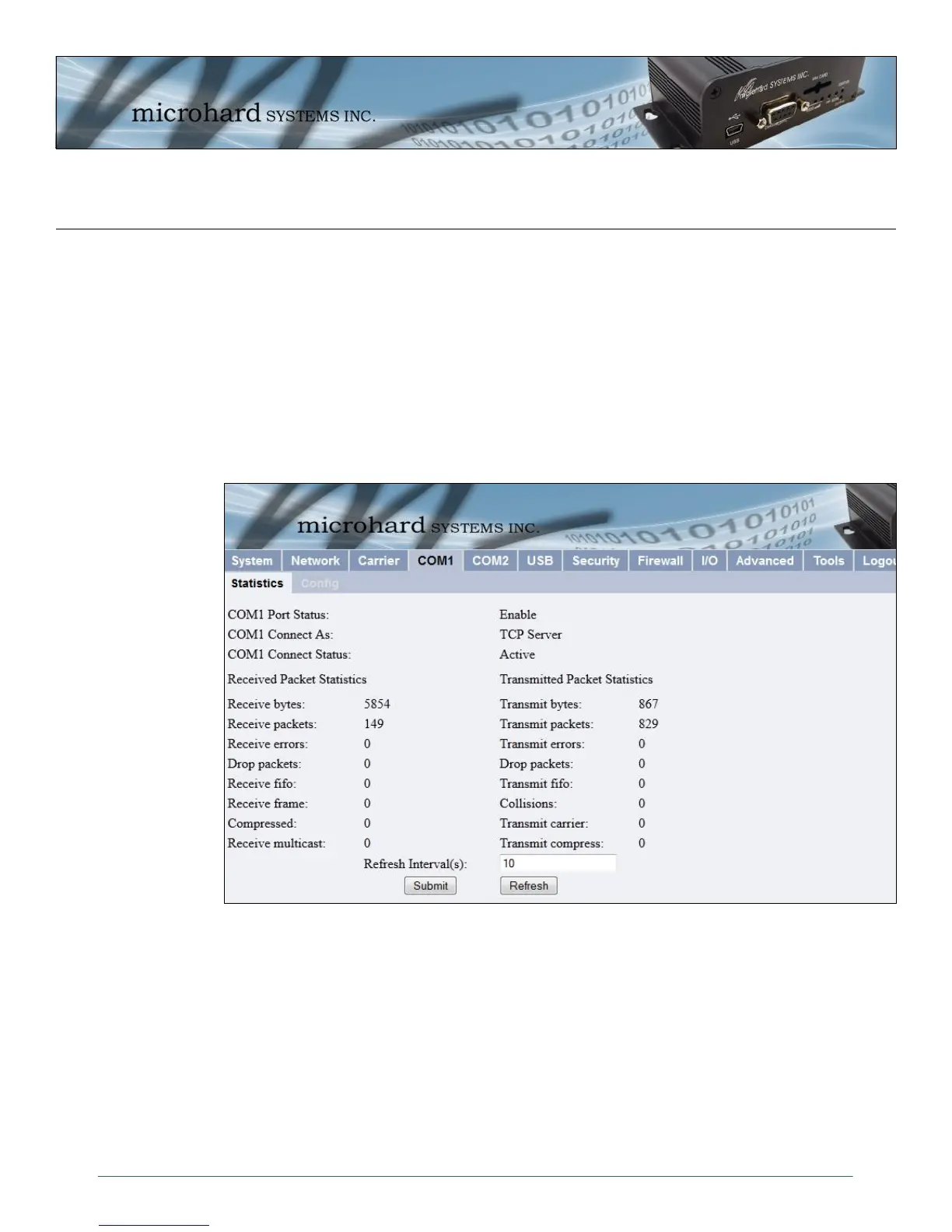
This window displays information related to the serial interfaces of the IPn3G.
COM1/2 Port Status
Enabled by default. (IF COM2 is disabled it is available as a ‘Console’ port.)
COM1/2 Connect As
Display of chosen protocol with respect to serial gateway function.
COM1/2 Connect Status
If port is enabled and there is data traffic, this will display ‘Active’.
Image 4-23: COM1 Configuration Menu
The other displayed parameters are not all applicable. Of most use are the transmitted and received bytes/
packets: these will indicate if data is coming into and out of the COM ports.



 To Next Page