© Microhard Systems Inc. 64
4.0 WebUI Configuration
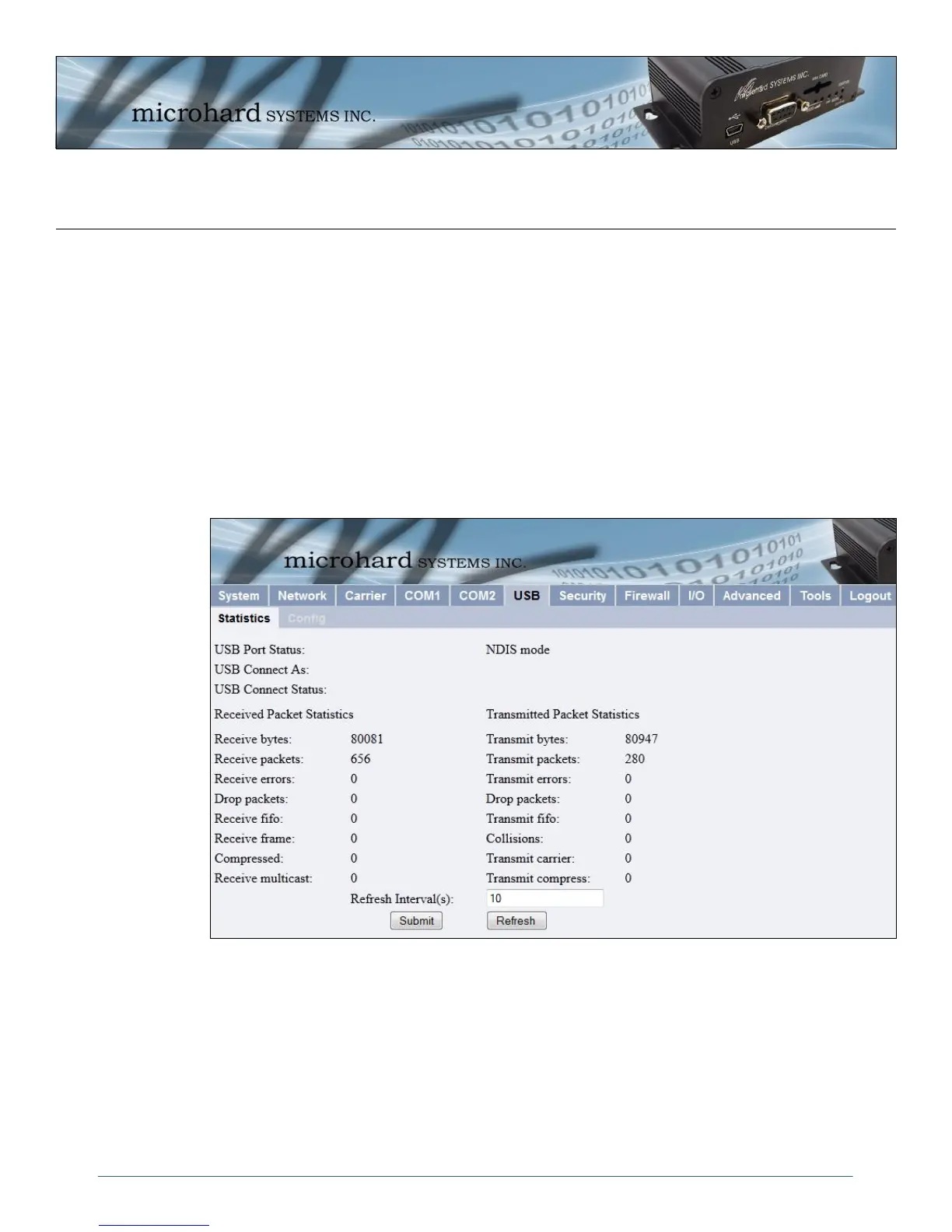
Image 4-29: USB > Statistics
4.6 USB
4.6.1 USB > Statistics
This window displays information related to the USB port located on the front of the IPn3G.
USB Port Status
Displays the status of the USB Port.
Configure via USB Configuration menu.
USB Connect As
Display of chosen protocol with respect to serial gateway function.
Configure via USB Configuration menu.
USB Connect Status
If port is enabled and there is data traffic, this will display ‘Active’.
The other displayed parameters are not all applicable. Of most use are the transmitted and received bytes/
packets: these will indicate if data is coming into and out of the USB port.



 To Next Page