© Microhard Systems Inc. 65
4.0 WebUI Configuration
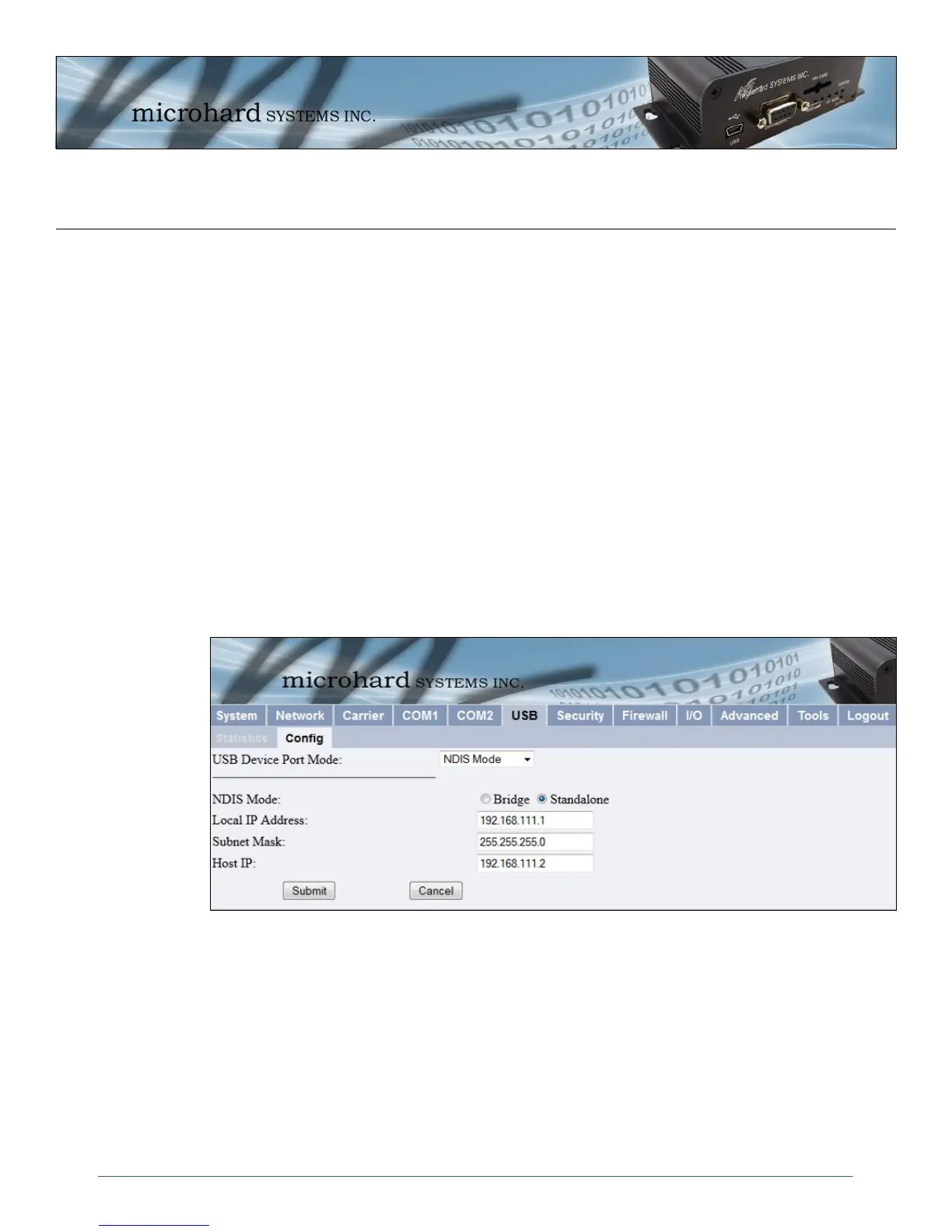
Image 4-30: USB Configuration Menu
4.6.2 USB > Config
The USB Device Port Mode allows a user to define the operation of the IPn3G ’s USB Port. The port can be
configured to be used as any one of the following:
Console Mode Provides support for the USB-to-Serial console port. In this case, Mini USB port can be
used as a USB-to-Serial console port for the text user interface.
Data Mode Provides support for the USB-to-Serial port. Mini USB port can be used as a RS232
interface dedicated to serial data traffic.
NDIS Mode The USB port can be used as a network interface card. The IPn3G USB port is
configured by default in NDIS Standalone Ethernet Mode with a DHCP server running
in the background.
This means that a user can use the USB port communicate with the IPn3G via Ethernet
on the USB port of their PC’s.
Windows Drivers are available from the Support Desk on the Microhard Systems Inc website.
Please register and login into:
http://www.microhardcorp.com/support



 To Next Page