© Microhard Systems Inc. 117
4.0 WebUI Configuration
4.11 Tools
4.11.1 Tools > Maintenance > System Settings
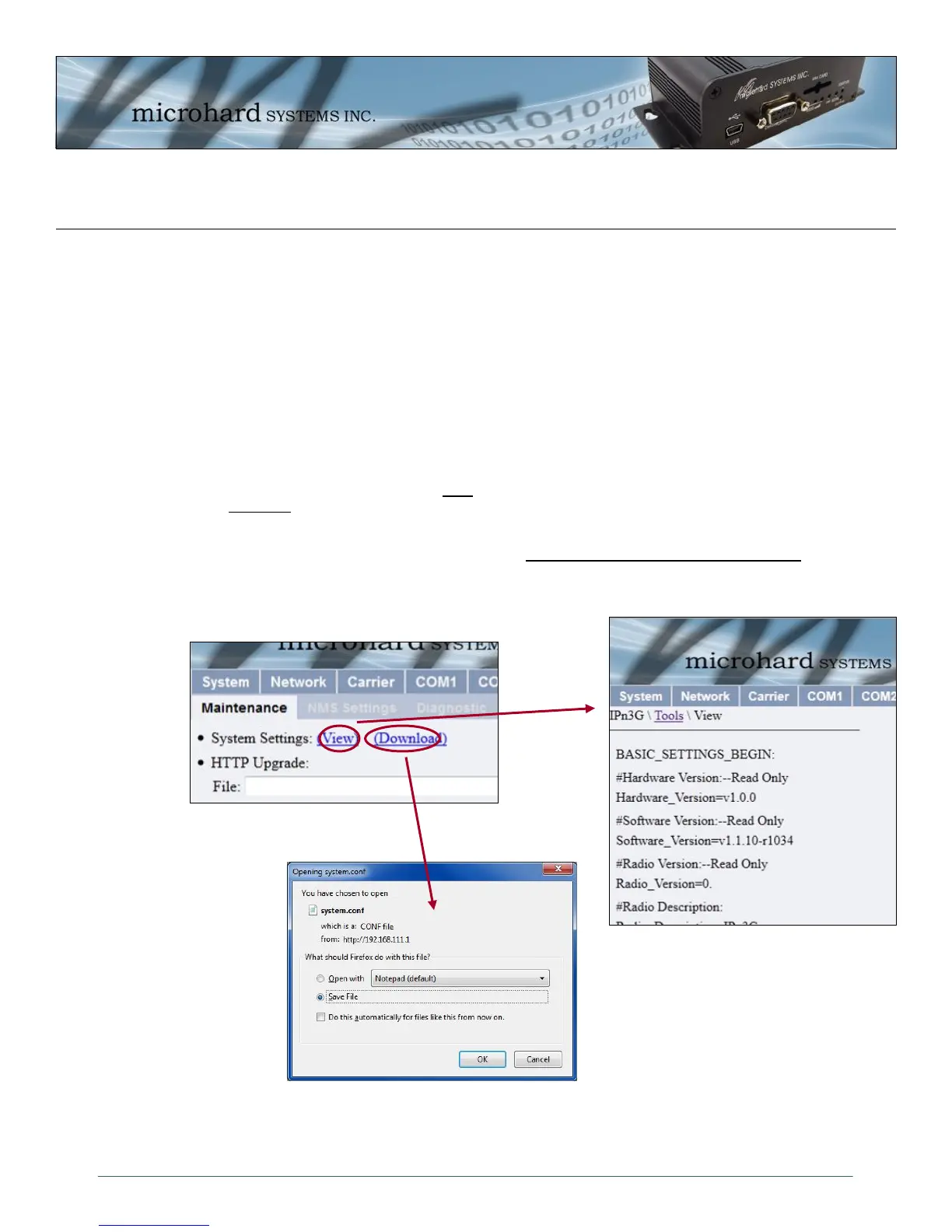
The System Settings menu allows a user to view all system settings using the System Settings ‘View’
option. Selecting ‘Download’ affords the opportunity to download the various values to a “system.conf” text
file. This file may be useful for reference or requested by Microhard Support to aid in any required
troubleshooting or application analysis. The file can also be modified and uploaded back to the IPn3G, or
used as a template.
4.11.1.1 Backup Configuration Settings (WebUI)
Under System Settings selecting View will dump the configuration file to the screen, and selecting
Download will allow a text file to be downloaded to a PC for use as a backup or template. The name of the
file is the “system.conf” file.
A sample “system.conf” file can be found under Appendix E: “system.conf” File Structure.
Image 4-75: Tools > Maintenance > Configuration Backup (WebUI)



 To Next Page