© Microhard Systems Inc. 128
4.0 WebUI Configuration
4.11.5 Tools > Reboot System
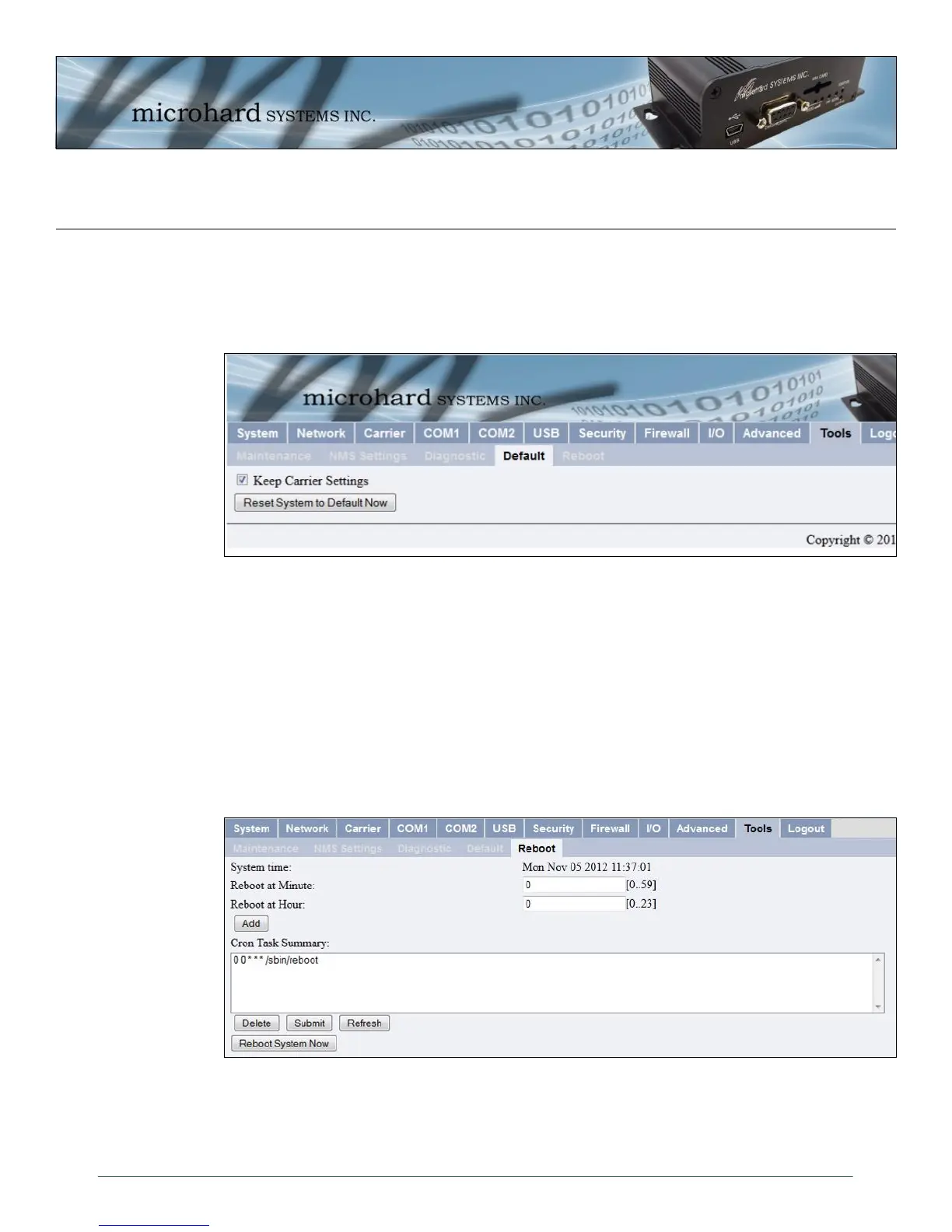
This feature is particularly useful for rebooting remote units and has the same effect as power cycling the
unit. Using the supplied interface, It is also possible to reboot the IPn3G on a schedule. Up to 10 tasks can
be added to reboot the IPn3G at specific intervals if required. Both the Hour and Minute parameters are
required to ensure the feature works as intended.
Image 4-85: Tools Menu, Reboot System
4.11.4 Tools > Default
There are many configuration options for the IPn3G units. Should a unit reach a state where it is not
performing as desired and it is possible that one or many configuration options may be improperly set,
resetting the system to default - essentially back to factory settings - will enable one to take a fresh start in
reprogramming the unit.
Image 4-84: Tools Menu, Reset System to Default
Selecting the ‘Keep Carrier Settings’ option before resetting the unit to defaults will allow the unit to retain
all settings required to establish and maintain a connection with the Cellular Carrier. This is important when
resetting a unit to defaults remotely, otherwise the unit will not be reachable and will have to be accessed
via a local port for configuration.



 To Next Page