© Microhard Systems Inc. 41
4.0 WebUI Configuration
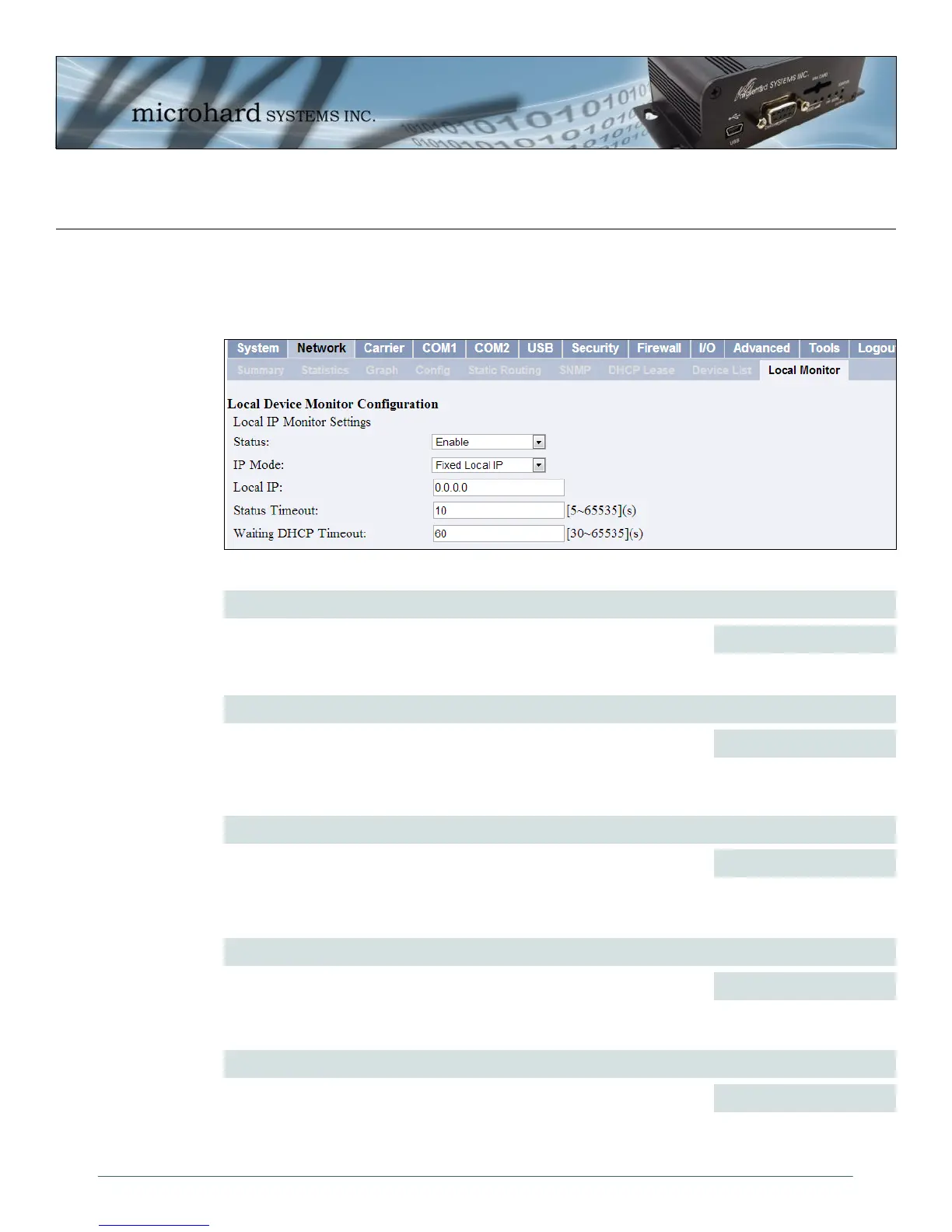
Image 4-16: Network Configuration , Local Monitor
4.3.9 Network > Local Monitor
The Local Device Monitor allows a user to monitor a local device connected locally to the Ethernet port or
to the locally attached network. If the IPn3G cannot detect the specified IP or a DHCP assigned IP, the unit
will restart the DHCP service, and eventually restart the modem to attempt to recover the connection.
IP Mode
Select the IP mode. By selecting a fixed IP address the service will monitor
the connection to that specific IP. If auto detect is selected, the IPn3G will
detect and monitor DHCP assigned IP address.
Status
Enable or disable the local device monitoring service.
Disable / Enable
Values (selection)
Fixed local IP
Auto Detected IP
Values (selection)
Local IP
This field is only shown if Fixed Local IP is selected for the IP Mode. Enter
the static IP to be monitored in this field.
0.0.0.0
Values (IP)
Status Timeout
The status timeout is the maximum time the IPn3G will wait to detect the
monitored device. At this time the IPn3G will restart the DHCP service.
10
Values (seconds)
Waiting DHCP Timeout
This field defines the amount of time the IPn3G will wait to detect the
monitored device before it will reboot the modem.
60
Values (seconds)



 To Next Page