© Microhard Systems Inc. 115
4.0 WebUI Configuration
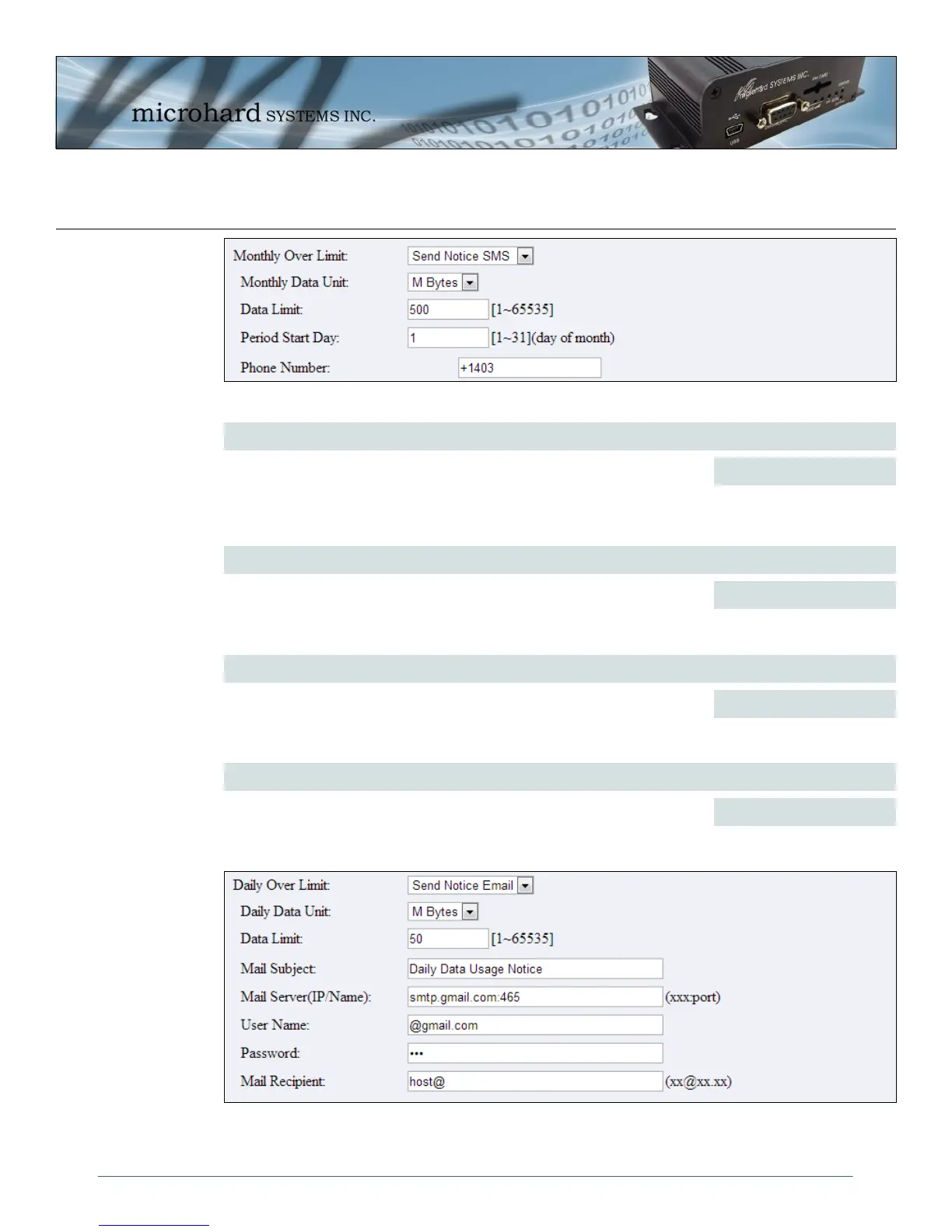
Image 4-73: Advanced > Data Usage SMS Config
Monthly/Daily Data Unit
Values (selection)
Select the data unit to be used for data usage monitoring.
Bytes / K Bytes / M Bytes
G Bytes
Data Limit
Values (1-65535)
Select the data limit for the day or month, used in connection with the data
unit is the previous field. If you want to set the limit to 250 Mbytes, select M
Bytes for the data unit, and 250 for the data limit.
500
Period Start Day
Values (1-31)
For Monthly tracking, select the day the billing/data cycles begins. On this
day each month the IPn3G will reset the data usage monitor numbers.
1 (Day of Month)
Phone Number
Values (phone)
If SMS is selected as the notification method, enter the phone number to
send any SMS messages generated when the data usage exceeds the
configured limits.
+1403
Image 4-74: Advanced > Data Usage Email Config



 To Next Page