© Microhard Systems Inc. 27
4.0 WebUI Configuration
System Syslog Server IP
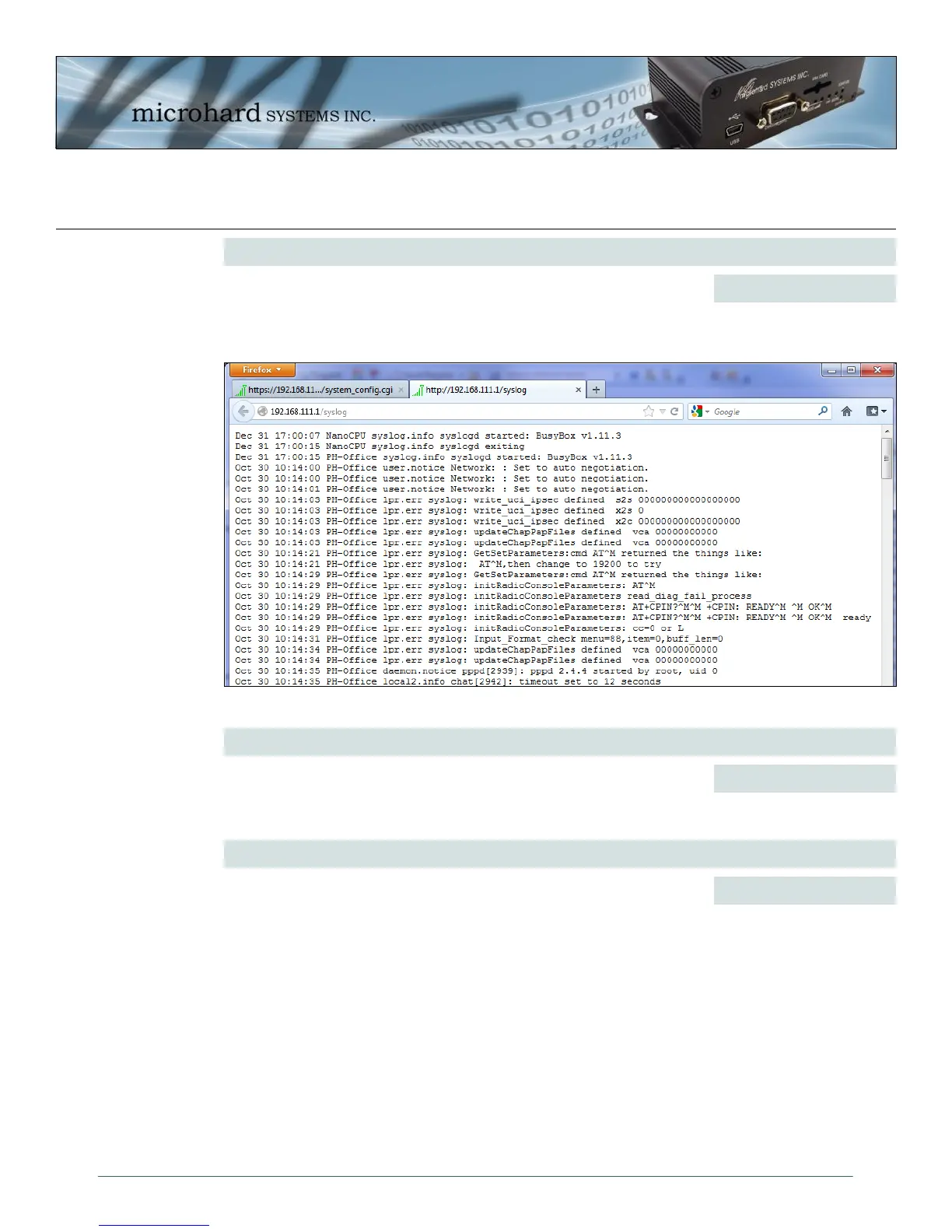
The IPn3G can report system level events to a third party Syslog server,
which can be used to monitor events reported by the IPn3G. The raw event
syslog can be view by entering the following URL into the web browser
http://X.X.X.X/syslog, Where X.X.X.X is the IP address of the IPn3G.
IP Address
0.0.0.0
Image 4-5: Syslog
System Syslog Server Port
Enter the UDP listening port of the Syslog Server. The default port number
is generally 514, but could vary from Server to Server.
UDP Port
514
System SMS Command
This option allows a user to enable or disable to use of the following SMS
commands to reboot or trigger events in the IPn3G:
Values (Selection)
Enable / Disable
MSC#GPSR0 trigger gps report0
MSC#GPSR1 trigger gps report1
MSC#GPSR2 trigger gps report2
MSC#GPSR3 trigger gps report3
MSC#REBOOT Reboot system
MSC#MIOP1 open I/O ouput1
MSC#MIOC1 close I/O ouput1
MSC#EURD0 trigger event report0
MSC#EURD1 trigger event report1
MSC#EURD2 trigger event report2
MSC#NMS trigger NMS UDP report
MSC#WEB trigger NMS webclient service immediately
MSC#PSCLOSE close power saving mode
MSC#PSVOL enable/switch to supply voltage power mode
MSC#PSTIMER enable/switch to timer power mode
MSC#PSSNIFF enable/switch to sniff power mode
MSC#APN set APN and reconnect. MSC=apn[,usr][,pwd]



 To Next Page