11 Mio Transfer
This chapter tells you how to use Mio Transfer, a tool for data transfer and
recovery.
11.1 Installing Mio Transfer
Follow this procedure to install Mio Transfer on your computer:
1. Turn on your computer and insert the Application CD into the CD-ROM drive
of your computer.
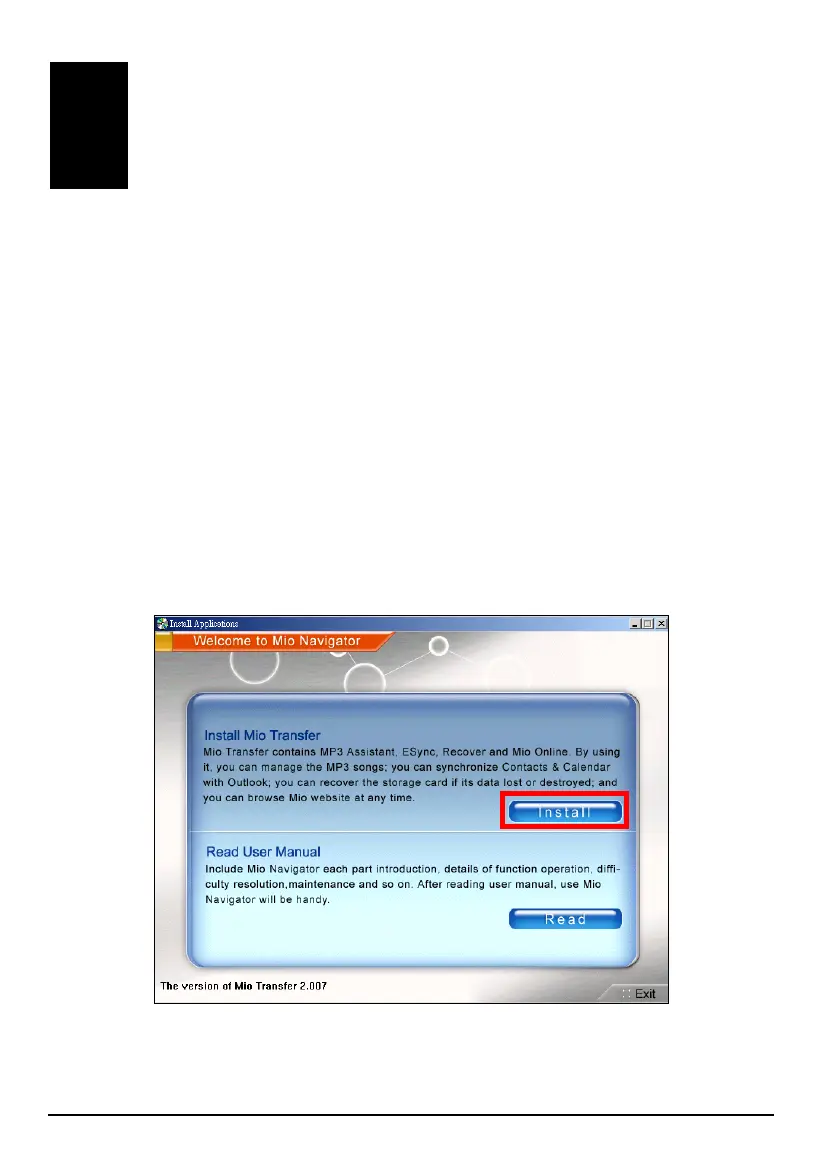
2. When the auto run screen appears, tap the
Install button in the “Install Mio
Transfer” section. (If the auto run screen does not appear, double click the
AutoRun.exe file in the root directory of the CD.)
3. Follow the onscreen instructions to complete the installation.
97



 To Next Page