6.4 History
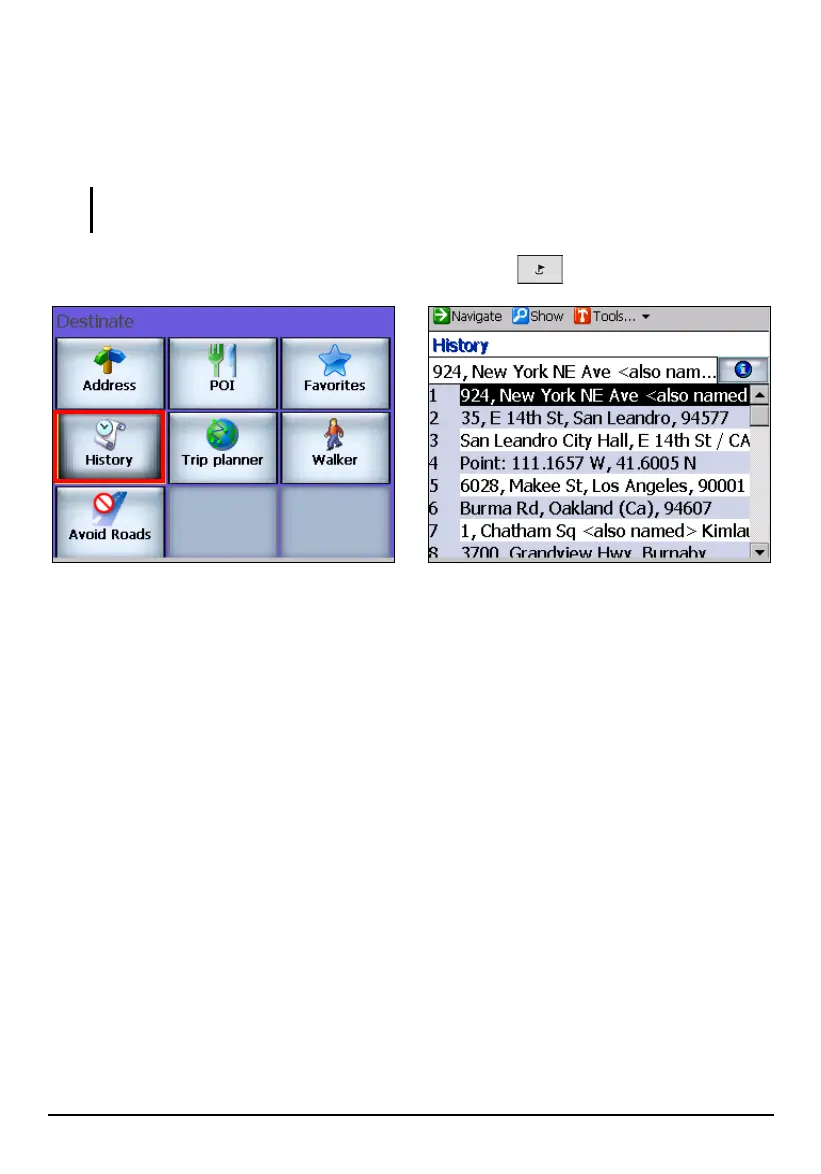
History is a list of previous destinations. It allows you to select a previous
destination for searching, viewing, or use again.
NOTE: Mio Map automatically stores the last few in memory. As newer destinations are
written, to the top of the stack, the older destinations at the bottom of the stack are erased.
To use History, press the Navigation Settings button once and tap History
With a history selected, you can do any of the followings:
To reuse it as your destination, tap Navigate (top toolbar) to calculate a route.
To view the location details, tap Show (top toolbar).
To save it as one of your Favorites, tap Tools (top toolbar) Favorites.
To use it as your origin, tap Tools (top toolbar) Set as Origin.
64



 To Next Page