Zoom In *
Increases the map scale.
Zoom Out *
Decreases the map scale.
Section 4.3
* Table Note: This button works only when running the navigation software.
Using the Navigation Pad
With the navigation pad, you can move up, down, left and
right within a menu.
To move in a direction, simply press the corresponding
arrow on the button. To activate the selected item, press
the center of the button.
Up
Right
Left
Down
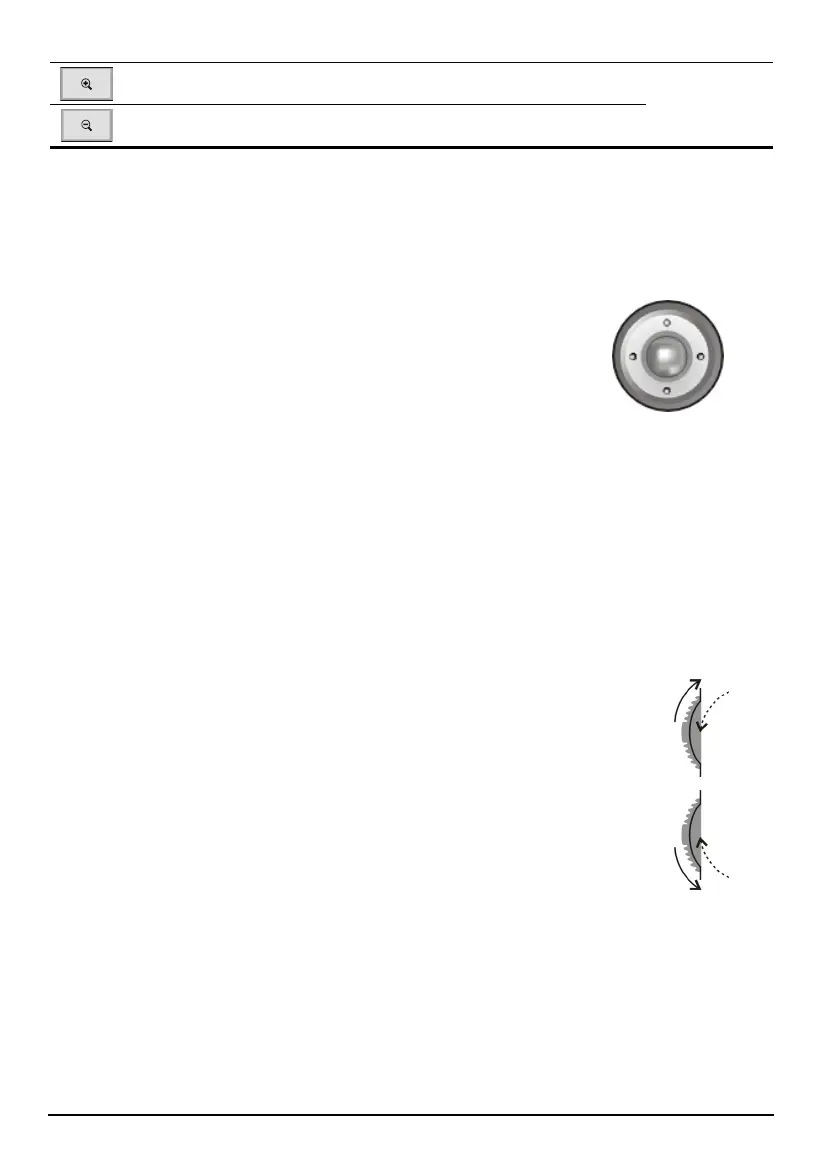
Using the Volume Control
You device provides 10 volume levels (from mute to the maximum). When you
use the volume control on the left side of the device to adjust volume, bar(s) will
appear on the screen to indicate the current volume level.
To increase the volume
Rotate the volume control upward and then release.
To decrease the volume
Rotate the volume control downward and then release.
Up
Down
15



 To Next Page