Press the Back button
to exit and save any changes you have made.
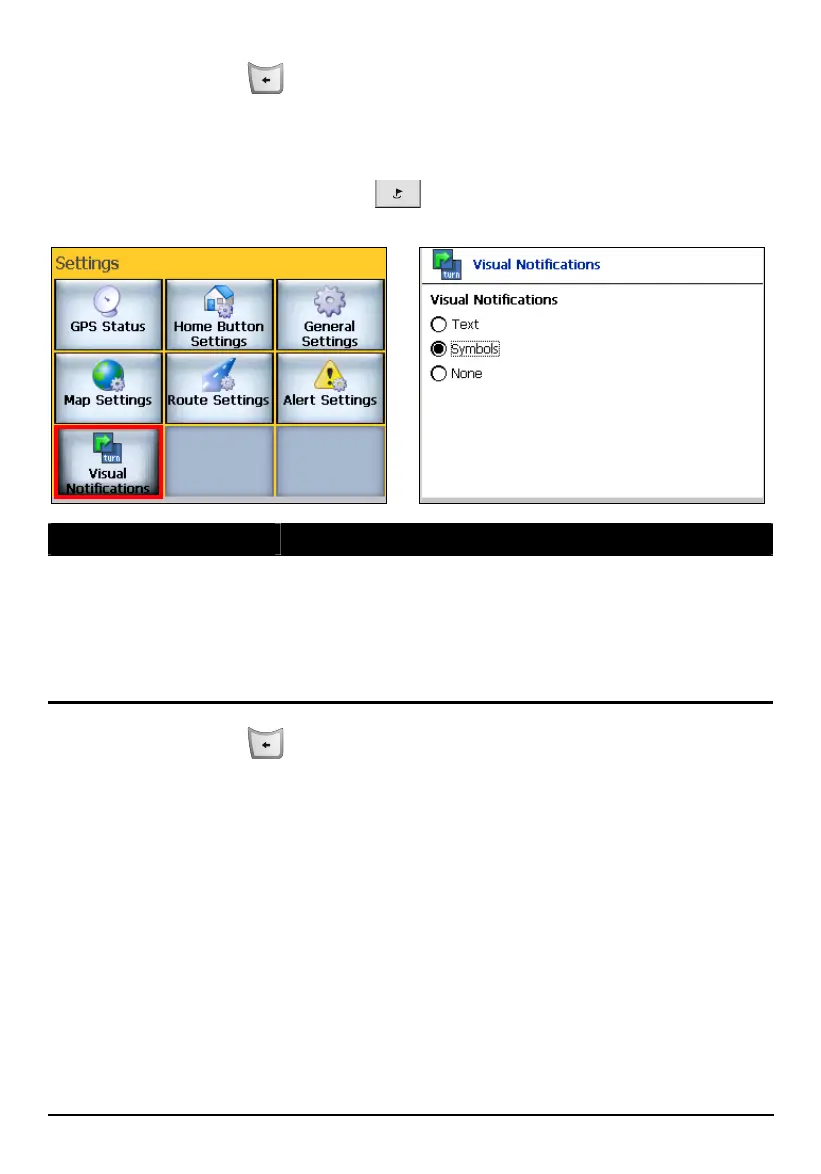
8.7 Visual Notifications
Press the Navigation Settings button three times and tap Visual Notifications to
select the way of notification for the upcoming turns.
Visual Notifications Descriptions
Visual Notifications
Select one of the following three types:
Text – Displays guidance prompts in the form of text.
Symbols –Displays guidance prompts in the form of
symbols. The screen will flash with an enlarged sign
showing the next change of direction.
None – No visual prompts displayed.
Press the Back button
to exit and save any changes you have made.
84



 To Next Page