1 Getting Started
This chapter tells you step by step how to perform the initial startup and introduces
the components of your device.
1.1 Performing the Initial Start Up
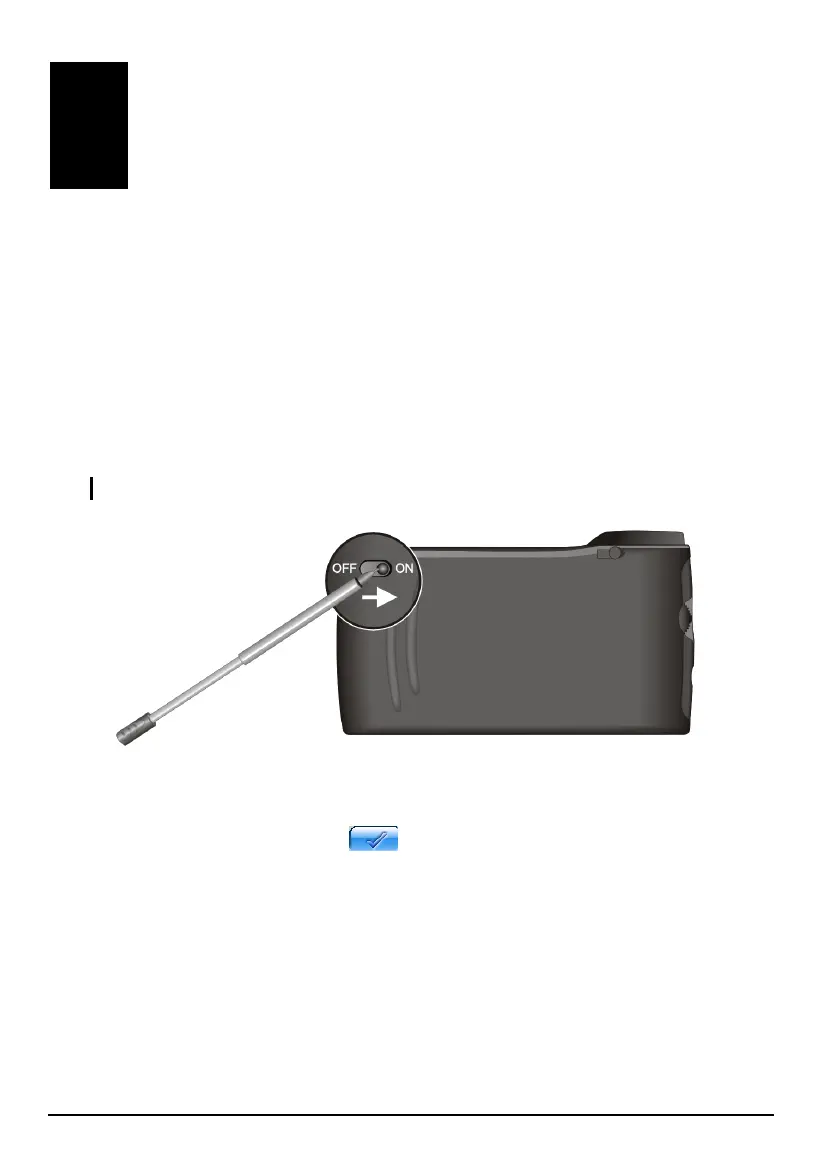
1. Pull out the stylus and use it to slide the ON/OFF switch to the ON (right)
position.
CAUTION: Always leave the ON/OFF switch in the ON position for normal operation.
2. Your device turns on and displays the “Switch Language” screen. You can tap
the left/right arrow to select a language if your region of purchase is a country
with multiple languages. Tap
to continue.
3



 To Next Page