Driving Directions
NOTE: Driving Directions is not available in Walker mode.
After calculating a route, you can view driving directions using one of the two
methods:
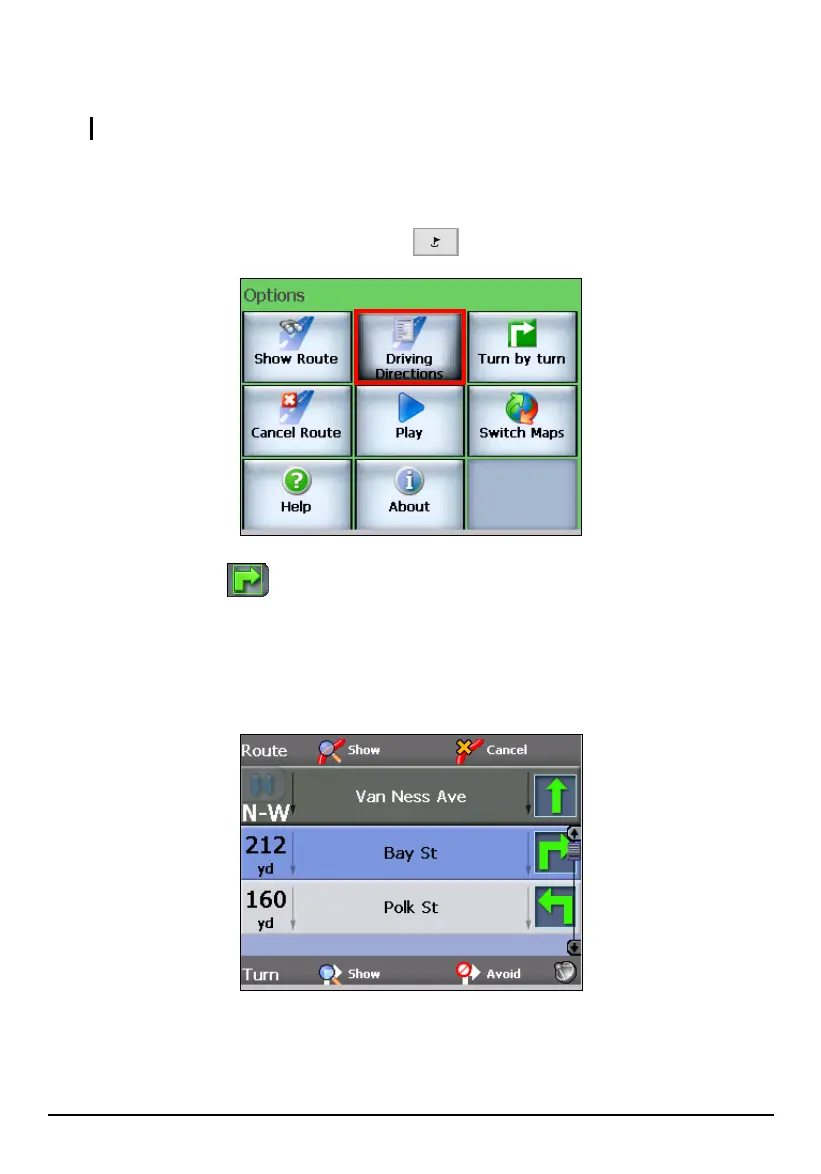
Press the Navigation Settings button twice and tap Driving Directions.
Tap the hot key (top left corner) twice screen until the Driving Directions
screen appears.
The Driving Directions screen displays a complete list of all turns. You can scroll
through the list using the scroll bar on the right side of the screen and review the
entire route.
76



 To Next Page