Map Settings Descriptions
Map Orientation
Select Forward is up to use dynamic map notation. The
map will rotate as you turn the direction. Mio Map will also
update the compass to show the north-south direction after
the turns.
Select North is up to keep the map static in a north-up
orientation.
Zoom Mechanism
Select Automatic Zoom to allow Mio Map to automatically
scale the map appropriately, according to the current speed
of the vehicle/person.
Map Font
Select Use Large labels for easier reading under adverse
lighting conditions.
Press the Back button
to exit and save any changes you have made.
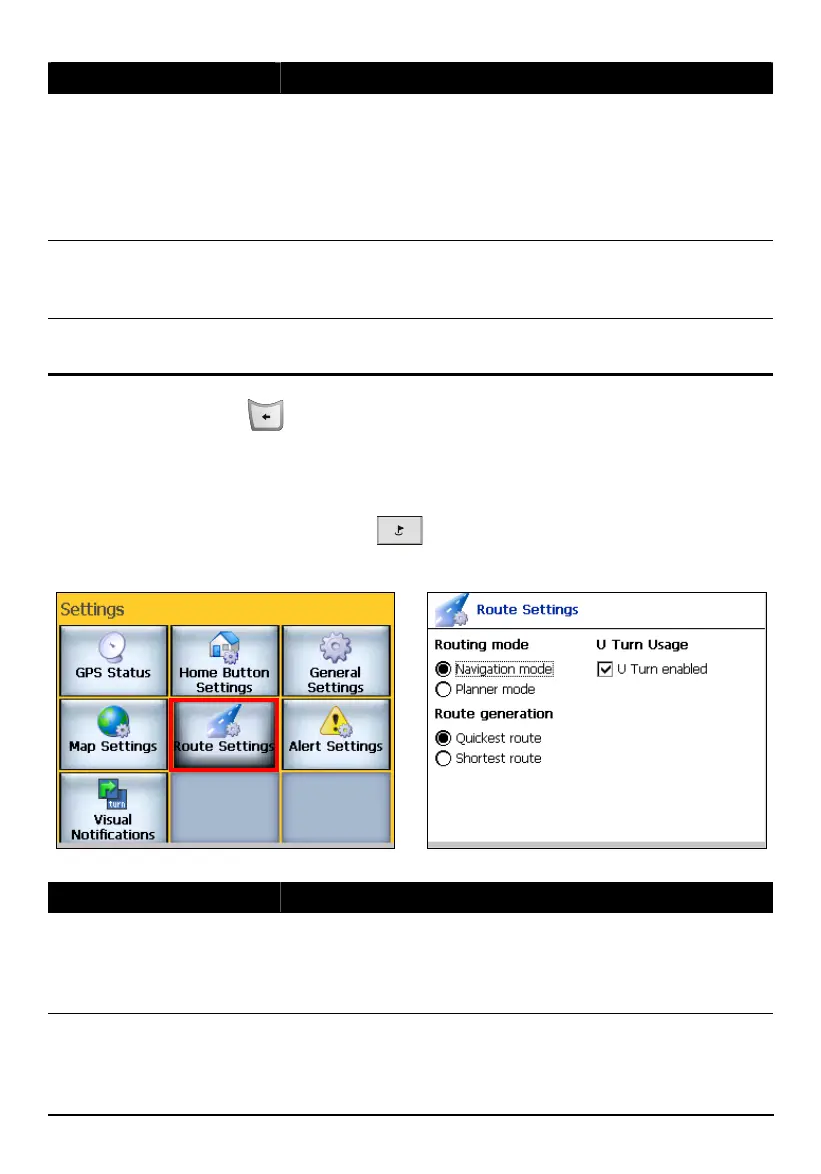
8.5 Route Settings
Press the Navigation Settings button three times and tap Route Settings to
access the following settings:
Route Settings Descriptions
Routing Mode
Select Navigation mode for normal driving with GPS on.
Select Planner mode if you want to display planned routes,
or to plan routes, but not show your progress, as you travel.
(See section 6.5 for more information.)
82



 To Next Page