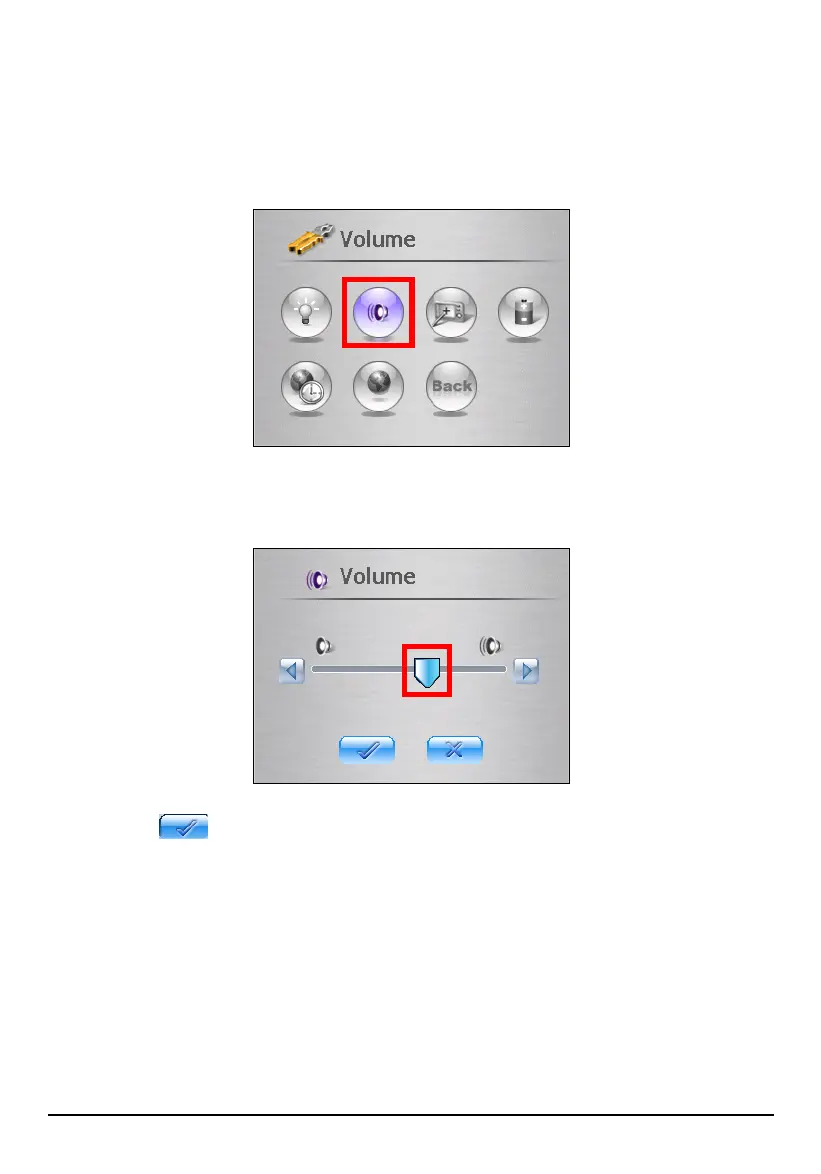
3.3 Volume
1. Tap the Setting button on the Home screen.
2. Tap the
Volume button on the Settings screen.
3. Move the slider along the track bar to adjust. To decrease the volume, move
the slider to the left. To increase the volume, move the slider to the right.
4. Tap the
button to save the changes and go back to the Settings screen.
3.4 Screen
You can calibrate the touch screen if it is not responding accurately to your stylus
taps.
1. Tap the Setting button on the Home screen.
2. Tap the
Screen button.
21



 To Next Page