Part 2. Manually Select the Origin
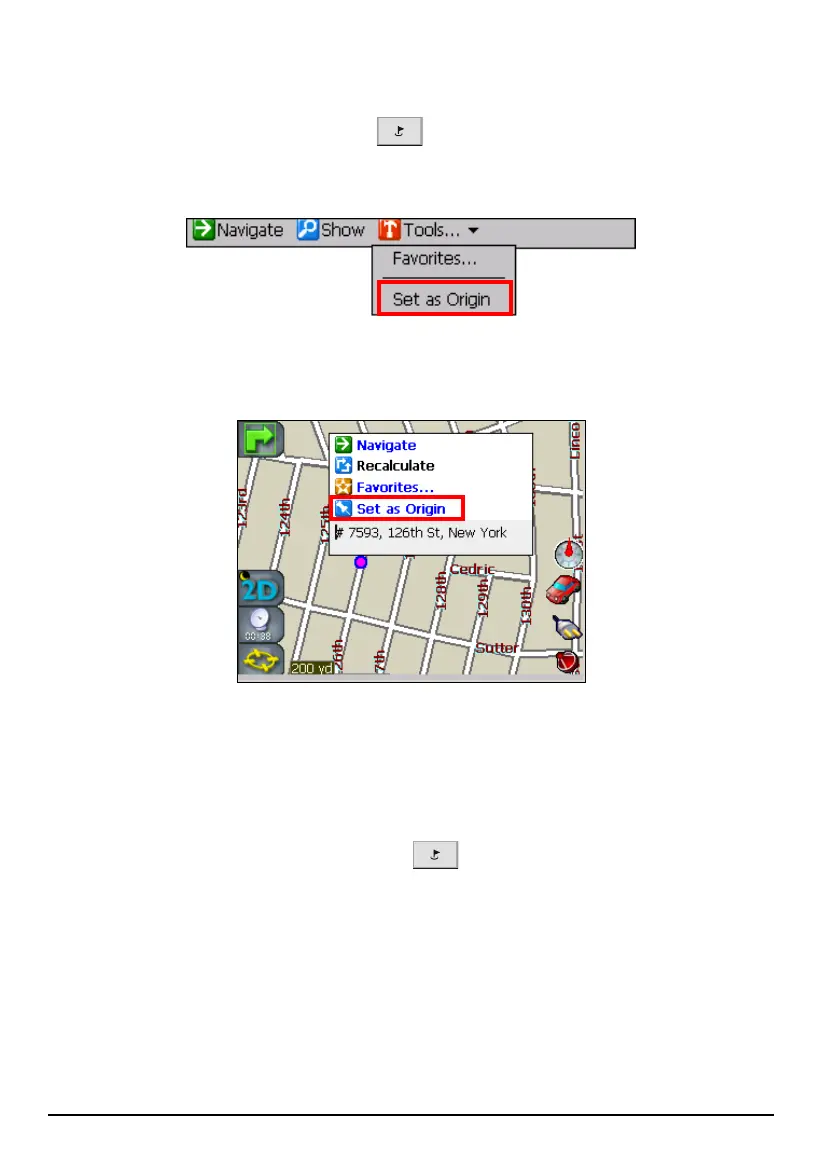
Press the Navigation Settings button
once and select a location from
Address, POI, Favorites, or History. (See section 5.2 for details.) Then, tap
Tools
(Top toolbar)
Set as Origin.
Or, you can drag the map and tap and hold the location on the map. Then, tap
Set as
Origin
in the Map Cursor pop-up menu.
Part 3. Set Waypoints
You can set one or more waypoints if necessary. A waypoint is a stop or break in
your journey along a route.
1. Press the Navigation Settings button
once and tap Trip planner.
66



 To Next Page