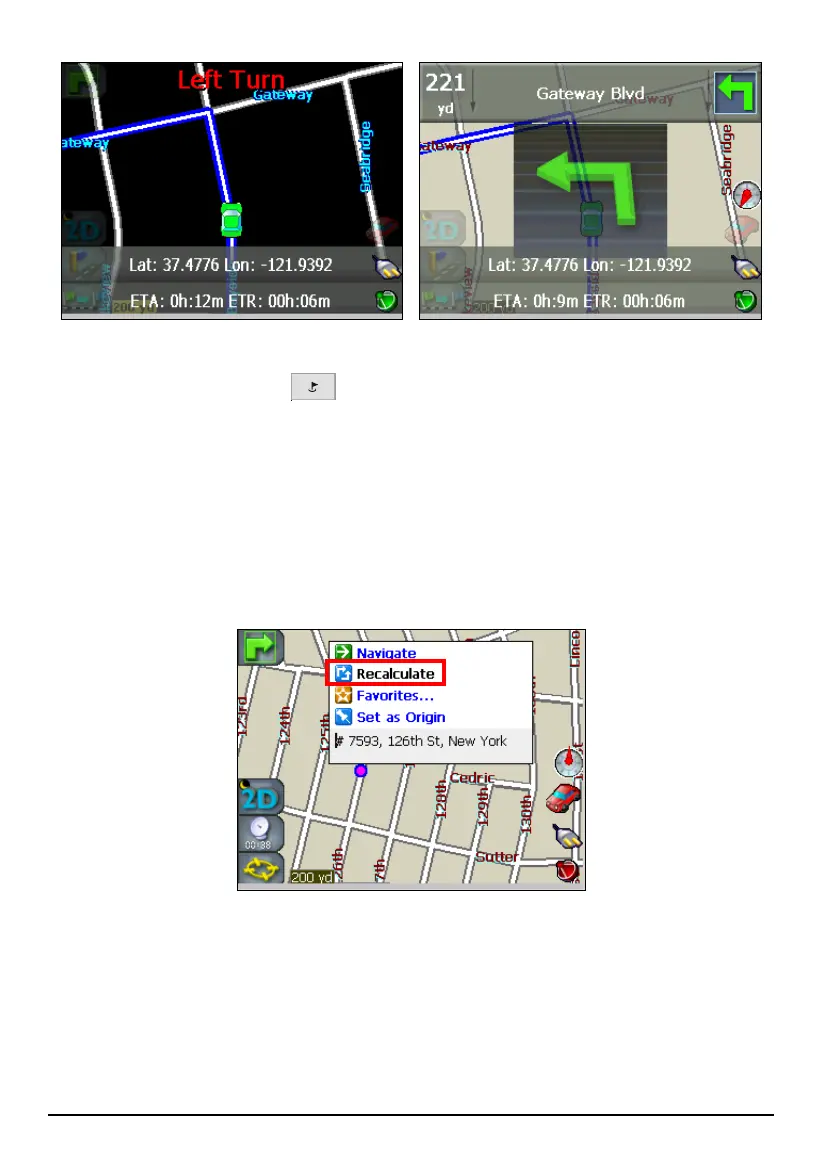
You may enable or disable voice and visual notifications by pressing the
Navigation Settings button
three times and tapping Alert Settings. (See section
8.6 for more information.)
Recalculating the Route
While on the road, Mio Map automatically recalculates the route when you have
deviated from the original route suggested. You can also tap and hold on the screen
to bring up the Map Cursor pop-up menu and tap
Recalculate to immediately
recalculate the route.
If you hear on the radio that there are construction zones or traffic jams along your
planned route, you can simply turn off to avoid those streets or highways, and Mio
Map will automatically recalculate a new route.
50



 To Next Page