6.6 Recording a Journey
You can record your journey to share with your friends and family or perhaps just
to replay your journey.
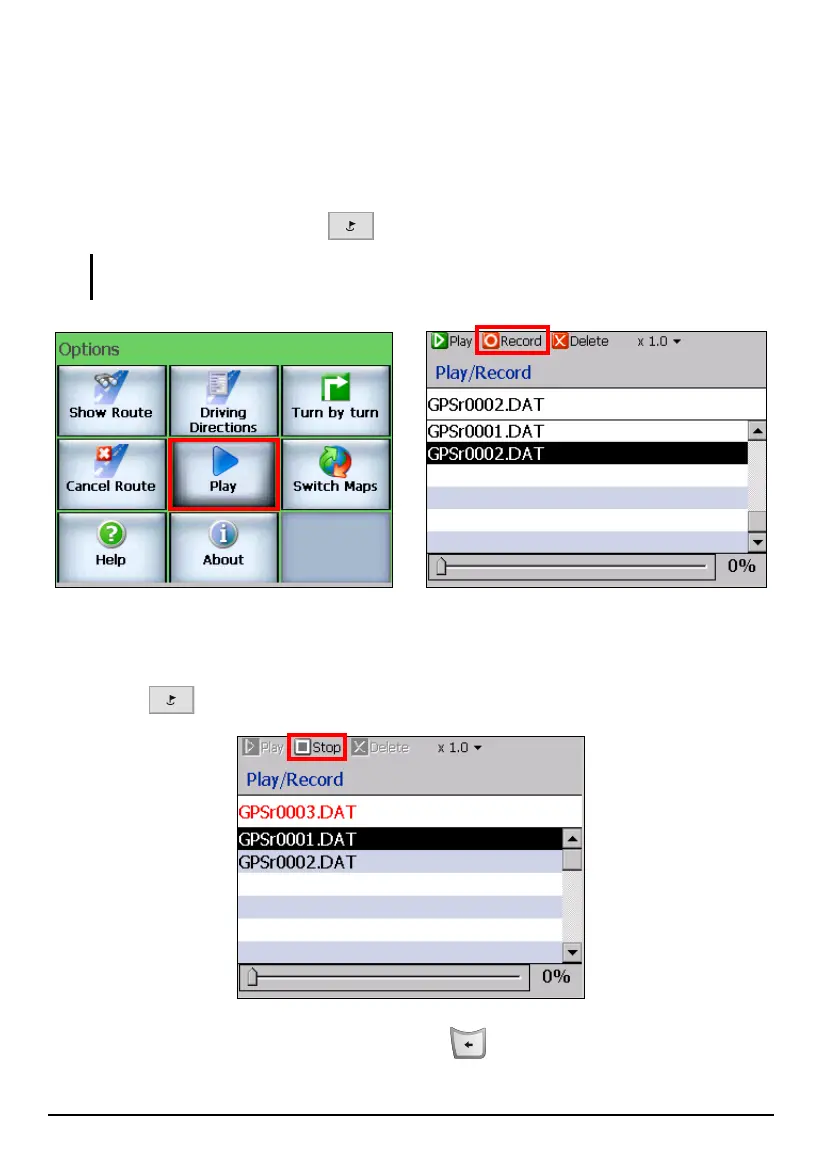
1. When you are about to begin your journey after calculating a route, press the
Navigation Settings button
twice and tap
Play Record (top toolbar).
NOTE: A filename GPRSr00xx.DAT (where xx = the recorded route number) is automatically
created.
2. As you travel, Mio Map records your trip.
3. When you have reached the end of your journey, press the Navigation Settings
button
twice and tap
Play Stop (top toolbar).
4. To exit the screen, press the Back button
.
71



 To Next Page