2 Basic Skills
This chapter familiarizes you with the basic operations of your device such as
using the Home screen and the hardware components.
2.1 Turning On and Off Your Device
Use the power button on the side of your device to turn on and of
your device.
When you press the power button to turn off the unit, your device
actually enters a suspend state and the system stops operating.
Once you turn on the system again, it resumes.
Home Screen
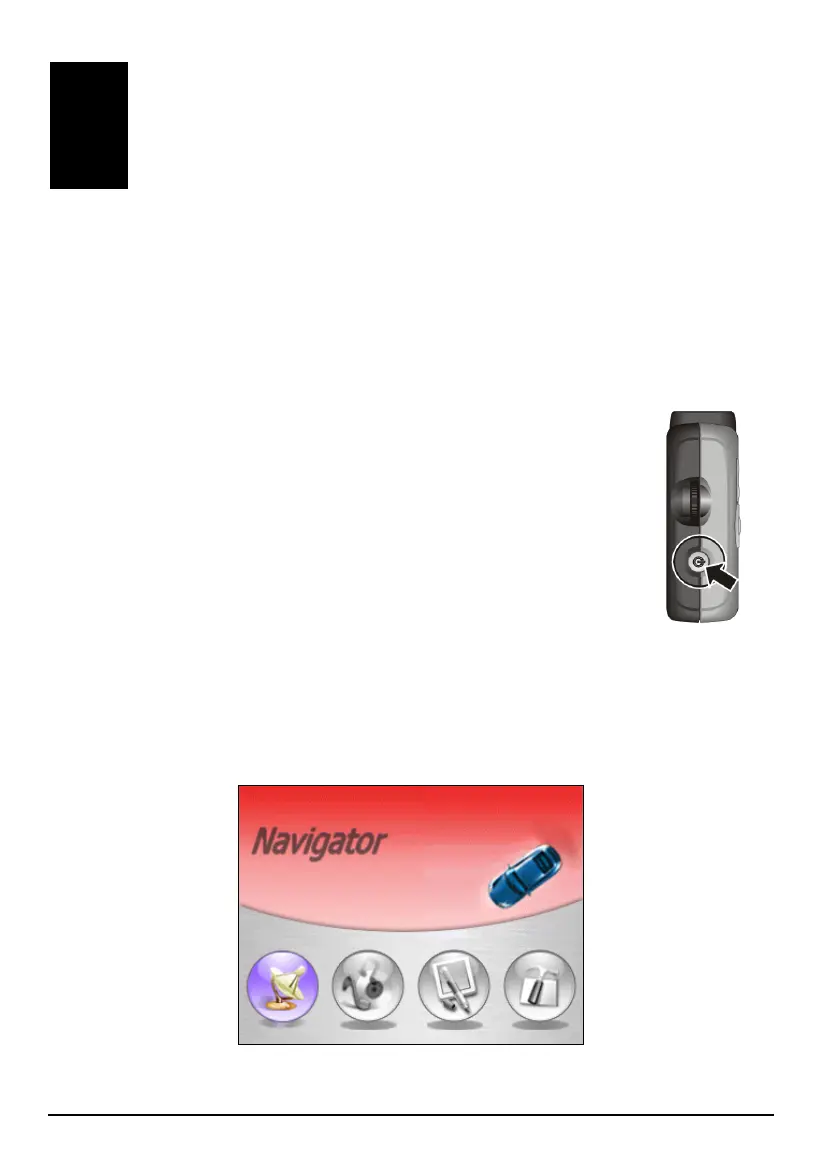
The first time you turn on your device, the Home screen appears. The Home screen
is your starting place for various tasks. Tap a button to start an application or open
another menu screen.
X Y Z [
13



 To Next Page