7 Changing Map Views
Mio Map provides different views of the map to enhance your viewing and
navigational experience.
7.1 Types of View
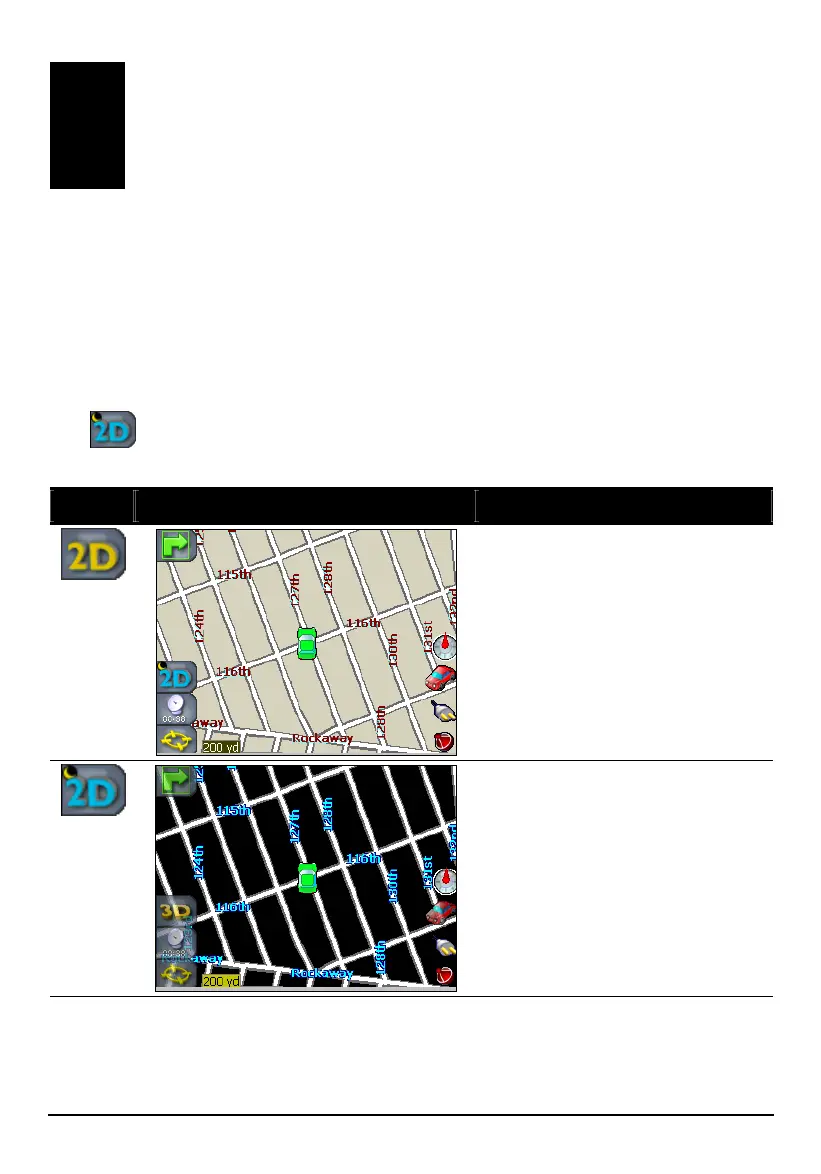
The button at the left side of the map screen allows you to easily switch the
map view among four different views including: 2D, 2D Night, 3D and 3D Night.
Hot Key Map View Description
The default 2D view is the
straightforward two-dimensional
normal view.
The 2D Night view is a high
contrast, two-dimensional view,
optimized for night driving or
adverse weather conditions.
73



 To Next Page